
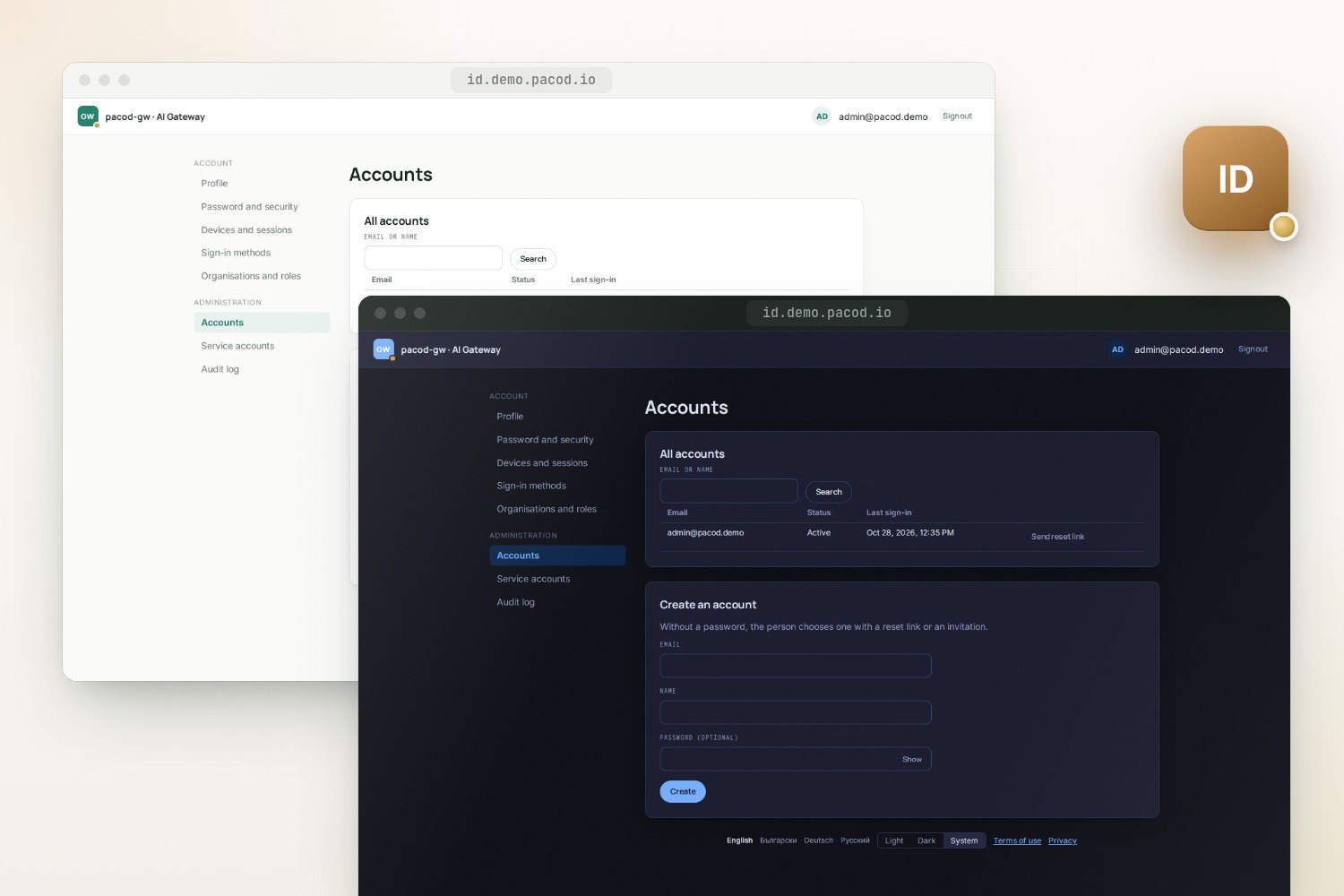
pacod-id is the OpenID Connect provider behind the PACOD products: one pool of accounts, hosted sign-in and account pages, organisations and role bindings. Its tokens say who someone is, not what they may do: each product follows a feed of the role bindings and decides access itself, with one rules engine written in Rust, TypeScript and Python.
Identity and access
- Licence: Apache-2.0
- Version: 0.1.0 · Preview
- Written in: Rust, TypeScript, Python
- Tech stack: Rust, axum, PostgreSQL, OpenID Connect, SvelteKit, Docker, Helm
- View on GitHub · Open an issue
Features
OpenID Connect provider
The authorization code flow with PKCE for every client, clients listed in configuration and no consent screen, run locally against the OpenID Foundation's conformance suite.
One account pool
People, service accounts, organisations, invitations and role bindings shared by every product; a person's sub is the same everywhere.
Authorization feed
Products load a snapshot of the bindings and long-poll the changes, so a lost role or an ended session reaches them without a call per request.
One rules engine, three ports
Manifests, scopes, allowed, has_role, touches and can_grant in Rust, TypeScript and Python, all held to the same YAML test vectors.
Keys and tokens
RS256 or ES256 on ring, signing keys sealed under a key-encryption key and rotated every 90 days, refresh tokens that rotate and catch reuse.
Hosted pages
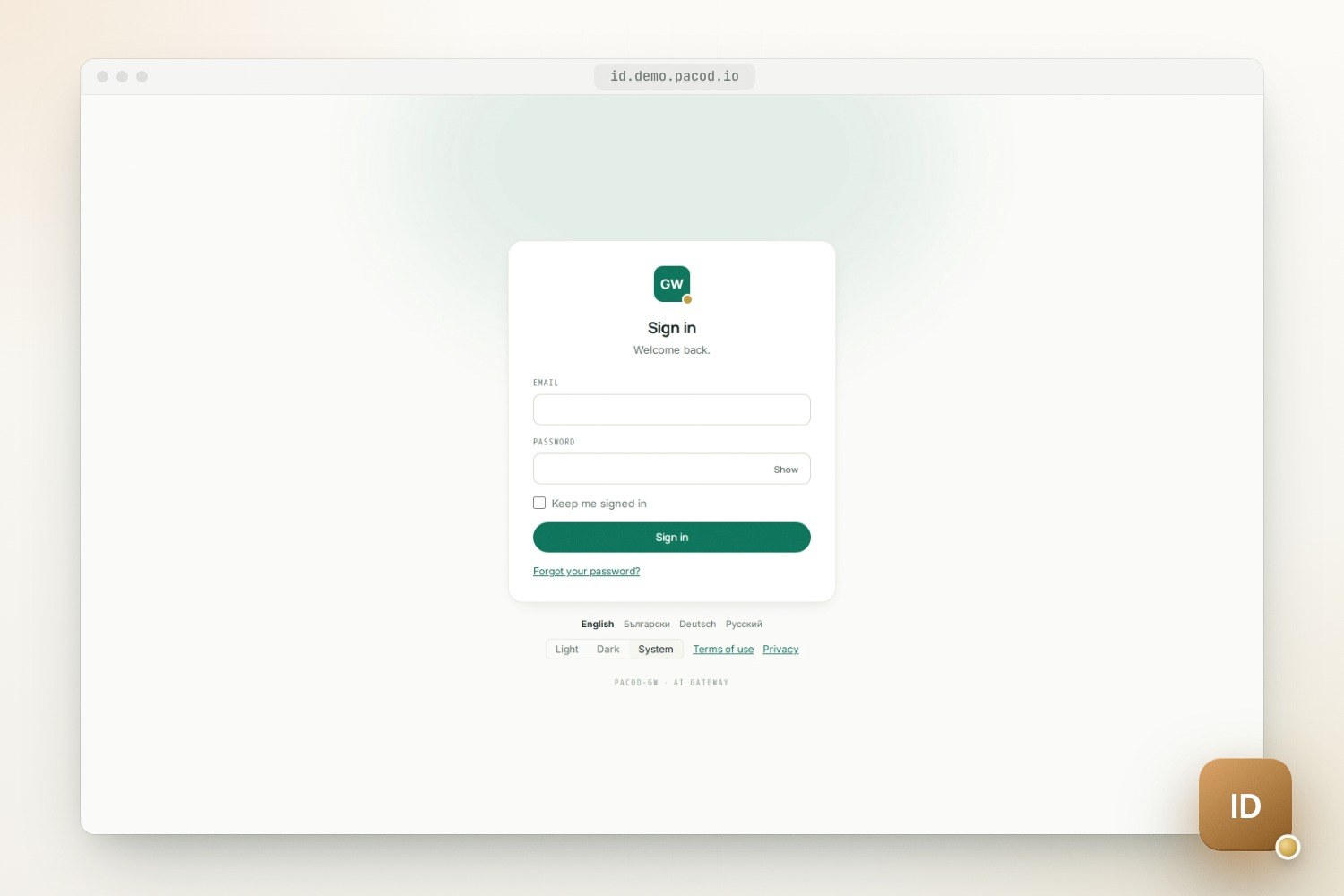
Sign-in, sign-up, account and admin pages in the realm's brand, in four languages, light and dark, under a strict Content-Security-Policy.
Drop-in clients
A Rust crate, a Python package with FastAPI dependencies, and a backend-for-frontend sign-in for SvelteKit 2 and 3.
Ready to run
A static image on distroless, a development stack with a mail sink and a mock Google, and a Helm chart.
Screenshots
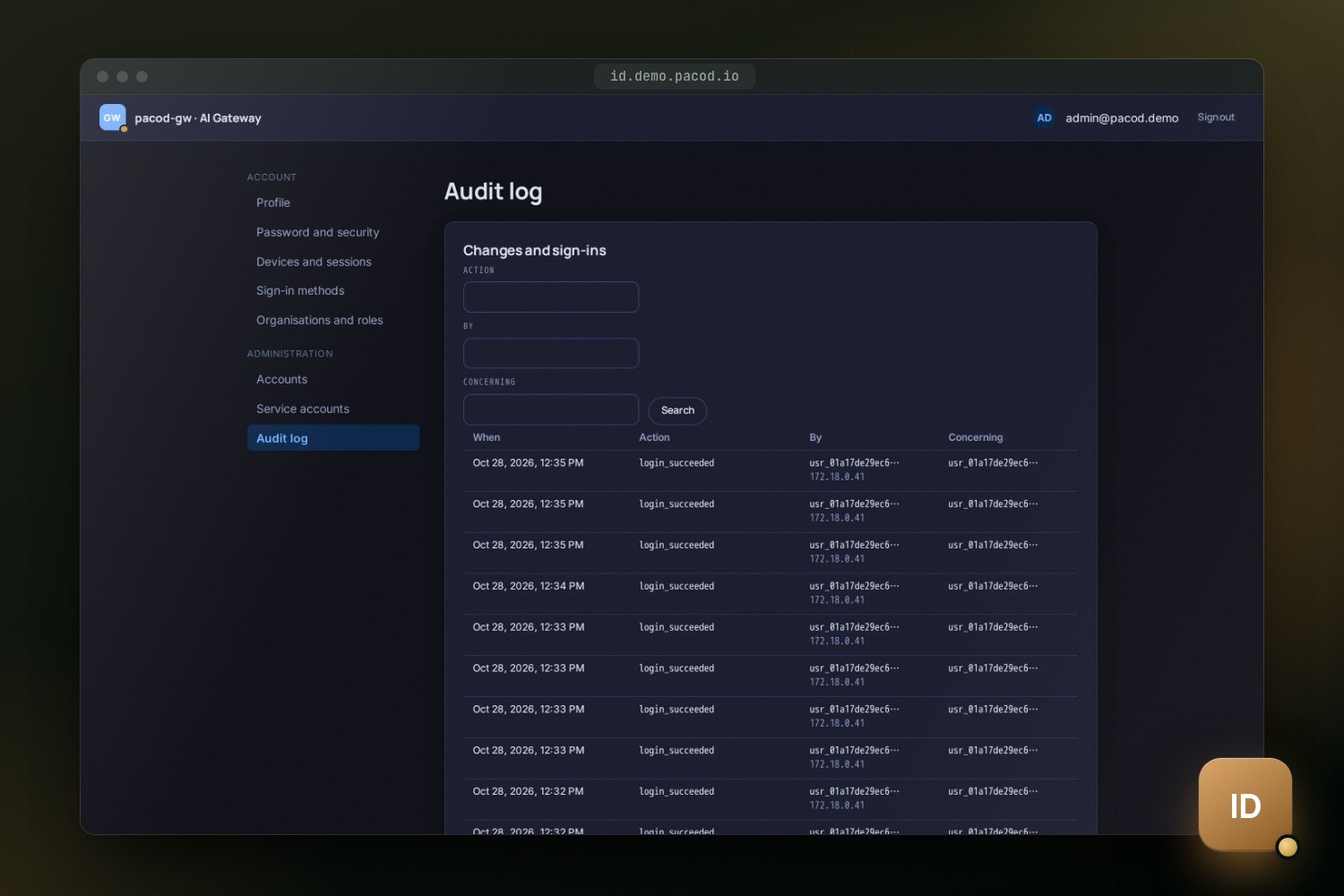
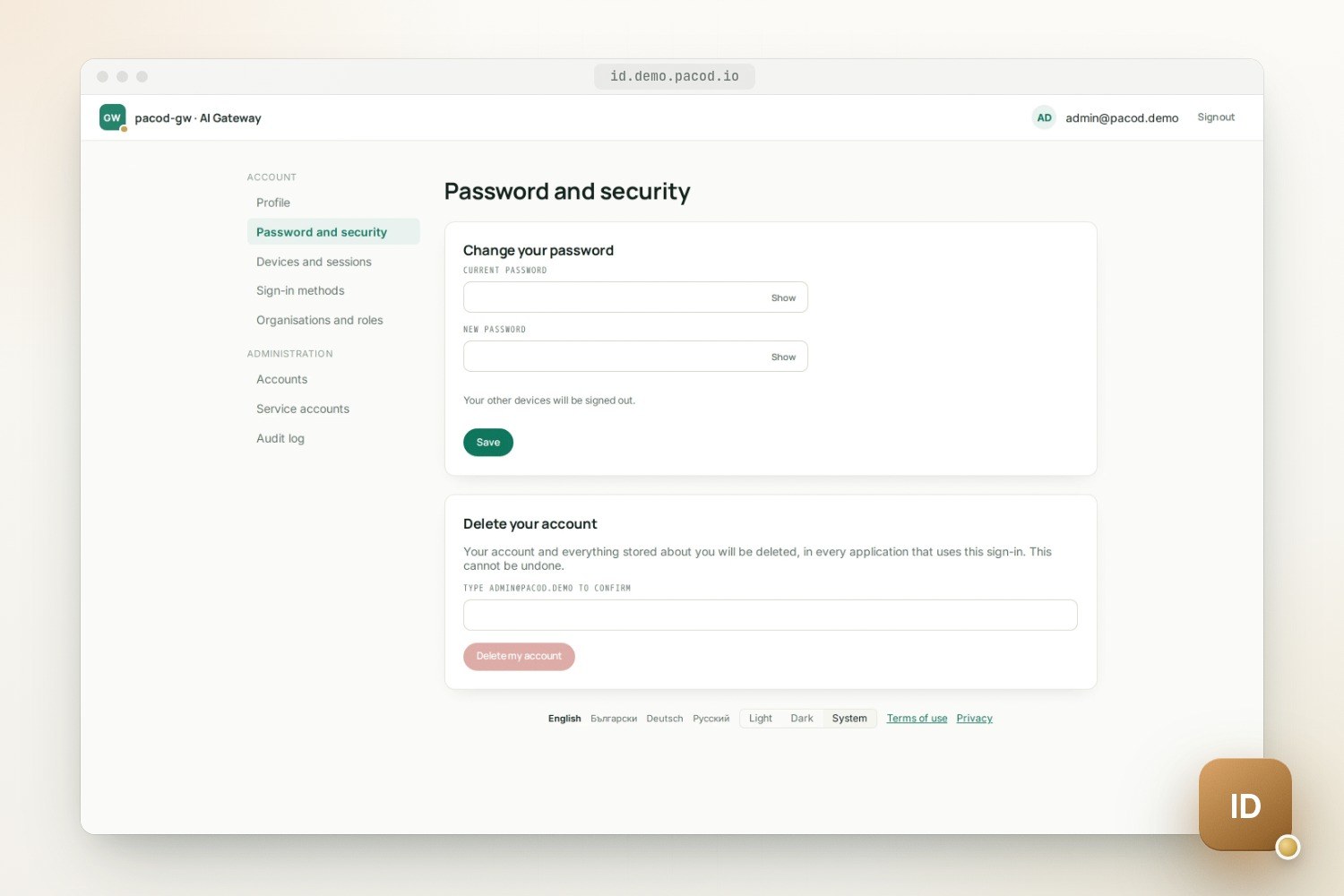
Why it exists
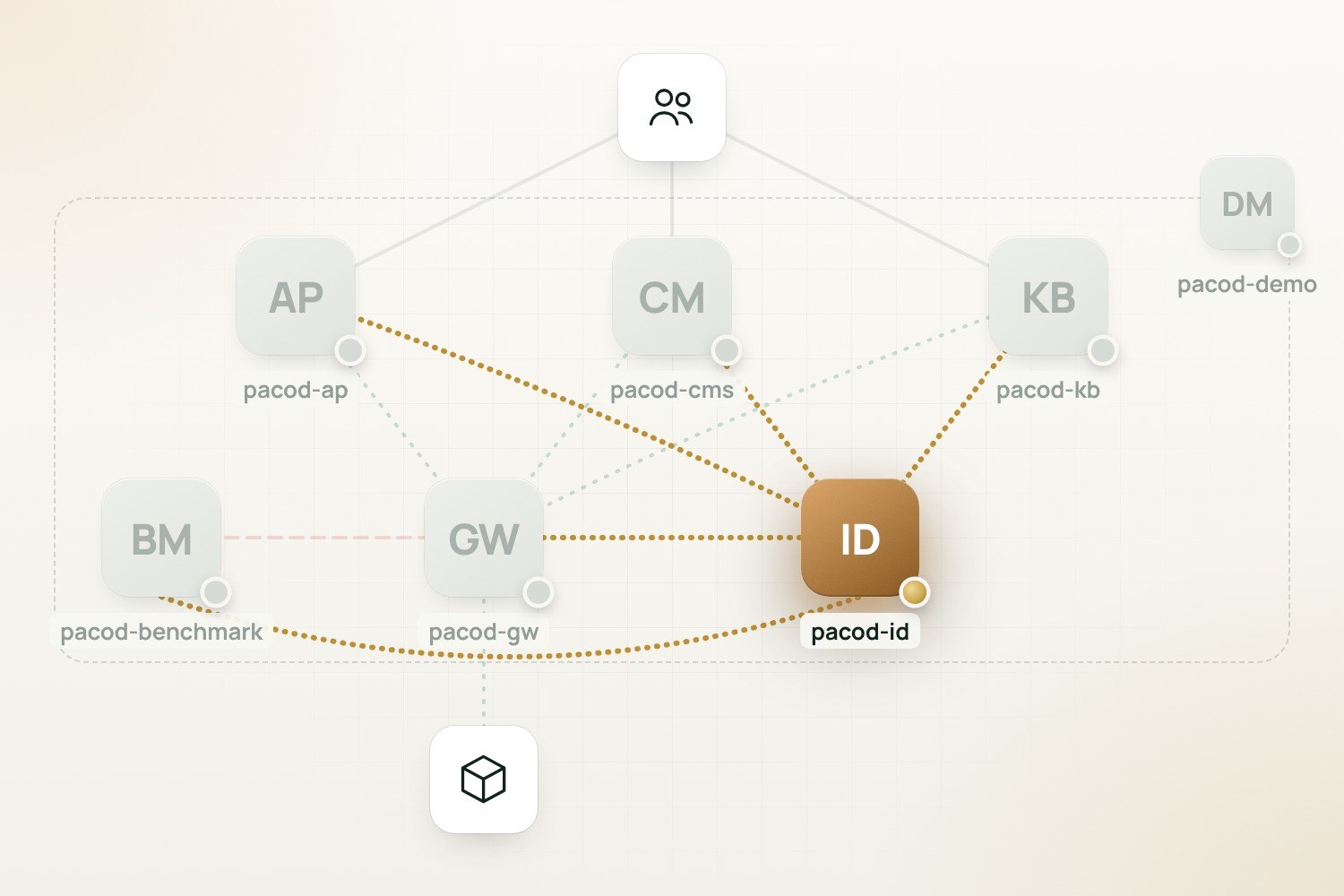
Every product that lets people in ends up with its own passwords, account mails, admin pages and role tables, and every person with one account per product. pacod-id takes all of that out of the products. People sign in once and reach the gateway console, the agent platform, the CMS studio, the knowledge base and the benchmarks with the same account. Machines sign in too, as service accounts.
It is an OpenID Connect provider for your own, first-party applications. Every client is listed in
its configuration: there is no dynamic registration and no consent screen. There is one account
pool, and a person's sub is the same in every realm. What differs from product to product is how
sign-in looks and who may do what there, and pacod-id records both.
Realms, brands and clients
A realm is one issuer host with its own brand, sign-in cookie, languages and policies: password
minimums, session length, whether anyone may sign up, and which roles may manage accounts. pacod-id
picks the realm from the request's Host, so two realms can share one account pool and still look
like two products.
A realm's brand is one of five built in: gateway, cms and kb for the PACOD products, and
shop and bazaar for the fictional product the documentation and tests use. It sets the pages'
mark, wordmark and colours, and the layout of the mails. The brand belongs to the realm, not to the
client, so every application of a realm shows the same look. pacod-demo
runs one realm, pacod, for every product and gives it the gateway's brand: that is why its
sign-in and account pages carry the pacod-gw mark, whichever product sent the person.
A client is one application, of one of three kinds:
| Kind | Typical use | Grants |
|---|---|---|
confidential |
A product's backend-for-frontend, which keeps a secret | authorization_code, refresh_token |
public |
A native or mobile app; PKCE alone protects its codes | authorization_code, refresh_token |
service |
A product's server talking to pacod-id | client_credentials, token exchange |
A sign-in, step by step
- The product starts it. Its server sends the browser to
/oidc/authorizewithstate, anonceand a PKCE challenge. Only the authorization code flow is offered, and PKCE (S256) is required of every client, confidential ones included. - pacod-id checks the request. The realm comes from the
Host; the client must belong to it, and the redirect URI must match a registered one exactly. Until both are known to be right, a mistake shows an error page and never redirects. - Single sign-on, or a flow. A live session of the realm gets a code at once. Otherwise
pacod-id stores the request as a sign-in flow for 15 minutes, binds it to the browser with a
cookie, and sends the browser to its hosted
/loginpage. - The person signs in, with a password or, where the realm has it, with Google. Each attempt takes its place in throttles kept in PostgreSQL before the password is hashed, and an unknown address gets the same answer as a wrong password. When the address must be confirmed first, or the password is due for a change, the flow goes there.
- A session and a code. The sign-in creates a new SSO session (12 hours, or 7 days with "keep
me signed in") and a code that lives 60 seconds, works once, and is bound to the client, the
redirect URI and the PKCE challenge. The browser returns to the product with
code,stateandiss. - The product redeems it at
/oidc/token, usually on the internal listener, and receives an access token, an id_token and a refresh token. Their issuer is still the realm's public URL.
Tokens
- Access tokens are JWTs (RFC 9068), RS256 or ES256 per client, valid 5 minutes by default (2 to 15). They say who, in which session and with which scope, but carry no roles.
- id_tokens live 5 minutes and carry the address and name when the scopes ask for them.
- Refresh tokens are opaque and rotate on every use. A token presented again within 30 seconds gets the same successor, so two tabs refreshing at once both succeed. Presenting an older one ends every session of the account, tells every product, and mails the owner.
- Service tokens (
pidt_…) belong to service accounts, are shown once and stored as HMACs. - Token exchange (RFC 8693) lets a product's service act for a person, within that person's
rights, with
actnaming the service. A delegated grant ends with the person's session.
When a session ends, every client that had a grant in it and has a back-channel logout URI receives a logout token, retried for ten minutes.
Roles stay out of tokens
Roles are kept out of access tokens on purpose: a role taken away should stop counting at once,
not when a token expires. Each product pushes a manifest at every start: its scope types, its
roles and their permissions, and who may grant what. Scopes form a tree, from platform, optionally
through organisation:<id>, down to the product's own types. This is the gateway's, abridged:
product: gw
scope_types:
  workspace: { parent: organisation }
roles:
  platform_admin:
    at: [platform]
    permissions: ["*"]
    protected: true
  org_admin:
    at: [organisation]
    permissions: [org.manage, org.read, workspace.manage, workspace.read,
                  audit_records.read, audit_log.read, members.manage]
    protected: { bypass: platform.manage }
  viewer:
    at: [platform, organisation, workspace]
    permissions: [org.read, workspace.read]
grant:
  default: members.manage
  platform_admin: platform.manage
A binding is a role held at one scope, such as gw.viewer at gw.workspace:ws_1, and its
permissions apply downward: a role held at an organisation counts in every workspace below it.
pacod-id stores the bindings and checks every change. Giving a role needs the manifest's grant
permission at that scope (here an organisation admin gives roles inside the organisation, and only
a platform admin makes platform admins), and a protected role never loses its last holder.
Where a manifest allows them, the product's administrators can add custom roles, which give no
permission of their own but count for has_role.
pacod-id's own manifest is built in: id.admin may do everything in pacod-id and is protected,
and id.auditor reads accounts and the audit log. A realm can also name product roles whose
holders manage the accounts that signed up there; the demo names the products' administrators.
Such an administrator manages only accounts all of whose roles it could have given itself, so a
product's admin cannot take over an identity admin.
The rules engine answers allowed, has_role, touches and can_grant, among others. It
exists in Rust, TypeScript and Python, and all three pass the same YAML test vectors
(policy/engine-vectors/). The vectors are the specification, so a decision is the same wherever
it is made.
The authorization feed
Each product keeps its own copy of the bindings and follows the changes:
- At start it loads a snapshot: its catalogue, the organisations and its own scopes, the
bindings of its roles and of
id.*roles, disabled and deleted accounts, and the sessions revoked in the last 15 minutes, all as of one sequence number,seq. - It then long-polls the changes after that
seq, waiting up to 30 seconds per call. The answer comes as soon as something changes: PostgreSQLLISTENwakes the waiting request. - Changes are kept for 7 days. A cursor older than that gets a 410, and the product loads the snapshot again.
{
  "seq": 1843,
  "events": [
    { "seq": 1843, "kind": "binding.removed", "principal": "usr_0191…", "role": "gw.viewer",
      "path": ["platform", "organisation:org_1", "gw.workspace:ws_1"] }
  ]
}
Events cover bindings, accounts (disabled, enabled, deleted, changed), sessions, service tokens,
scopes and catalogues. Writes answer with the feed's seq, so a product that must read its own
write waits until its copy has caught up. The Rust and Python client libraries do all of this in
their bindings cache. Access tokens carry the session's sid, which a product refuses as soon as
the feed carries its revocation.
Measured with make measure on one developer machine (Docker Desktop on Apple silicon), a change
reached a waiting follower with a p99 of about 10 ms, against a target of under a second. That is
pacod-id's own share: the products' target of two seconds from sign-out to refusal depends on each
product's follower.
The pieces
| Part | What |
|---|---|
crates/pacod-id |
The service: OpenID Connect provider, accounts, organisations, role bindings, the authorization feed, mail, audit |
crates/pacod-id-authz |
The rules engine |
crates/pacod-id-jose |
Compact JWS (RS256, ES256) on ring, and JWKS |
crates/pacod-id-client |
Token checks, the bindings cache, introspection, token exchange for Rust products |
python/ |
The pacod_id package: rules engine, token checks, bindings cache, FastAPI dependencies |
packages/* |
@pacod/id-authz, @pacod/ui, @pacod/id-client, @pacod/id-sveltekit |
ui/ |
The hosted sign-in, account and admin pages |
The service is one Rust binary on axum with three listeners:
| Listener | Port | For |
|---|---|---|
| public | 8070 | Browsers and apps, through a TLS reverse proxy: the OpenID Connect endpoints and the hosted pages |
| internal | 8071 | Products' servers only: tokens, the feed, introspection, session revocation, the admin API |
| metrics | 9170 | /healthz, /readyz and /metrics |
The hosted pages are a static SvelteKit build that the binary serves itself, with the realm's
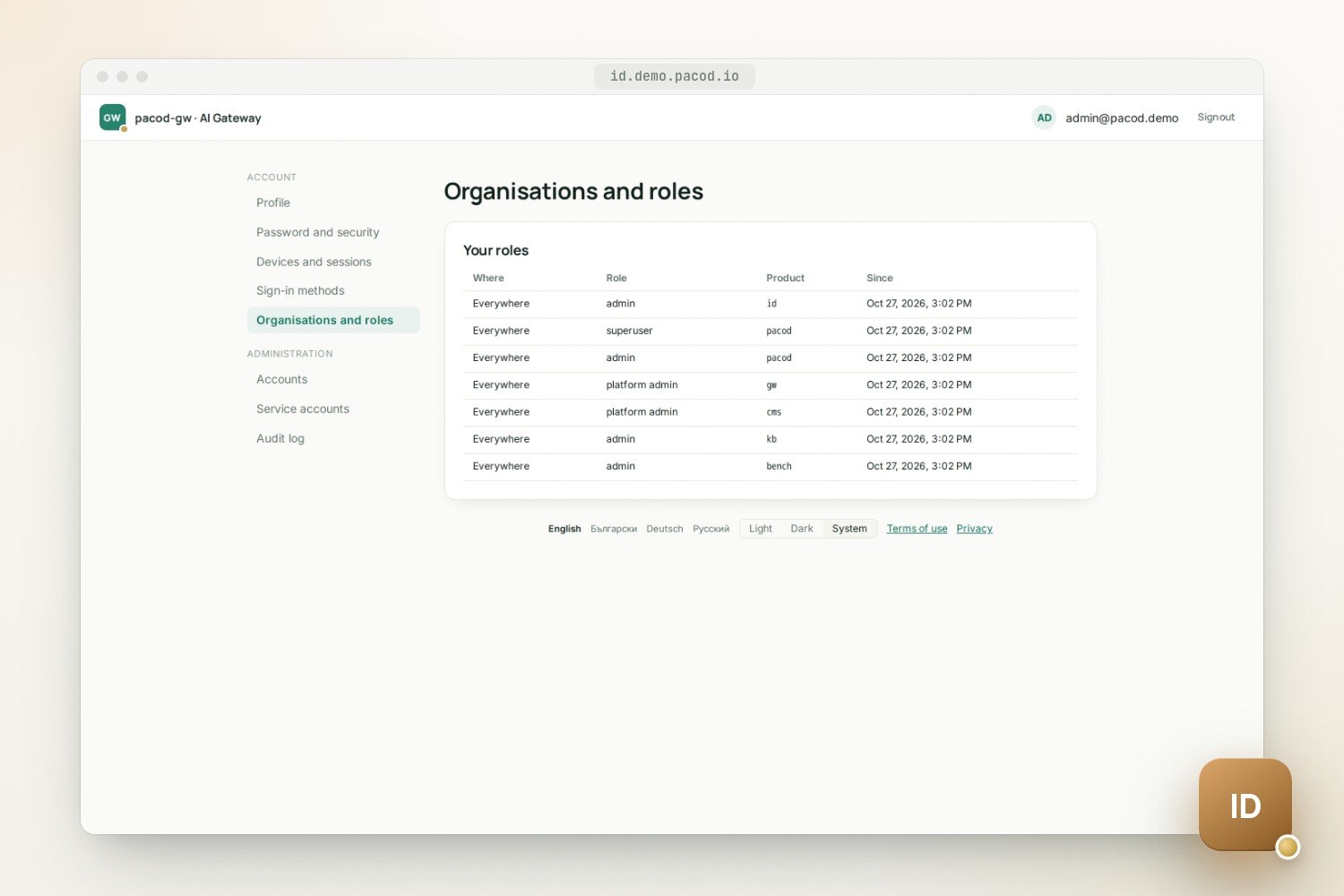
brand, language and theme filled in before the first paint. People find their profile, password,
devices and sessions, sign-in methods, and organisations and roles there; administrators find
accounts, service accounts and the audit log. @pacod/ui carries the design tokens, brand themes
and sign-in components, for the products that use pacod-id to share.
Security model
The main controls, from the threat model:
- Passwords: Argon2id at OWASP's minimum (19 MiB, 2 passes), 12 characters by default, and a blocklist of 46,528 common passwords. Sign-in throttles live in PostgreSQL, shared by every instance: per account, per known browser and per IP address.
- No account probing: sign-in, password reset and sign-up answer alike whether or not an address has an account.
- Signing keys: made by pacod-id, sealed in the database under a key-encryption key
(
PID_KEK), rotated every 90 days with the next key published a day early. An emergency rotation is one command. - Stored secrets: refresh tokens and mail links as SHA-256, client secrets and service tokens as HMACs under a separate pepper. pacod-id's own log lines never carry a password, token or key, and it writes no line per request.
- Browser flows: PKCE,
state,nonceandisson every redirect; exact redirect URIs; a Content-Security-Policy built from the hashes of the pages' scripts; writes accepted only from the realm's own origin. - Exposure: the public listener serves no internal or admin routes. In the full pacod stack the
internal listener binds to
pacod-id-internal, an alias pacod-id has only on the internal networkpacod-admin-net, which only products' servers join. The Helm chart's NetworkPolicy admits the internal port only from the sources you list. - Image: a static musl binary on distroless, run as non-root, without a shell.
The threat model also lists what remains, each marked open or accepted: the internal listener speaks plain HTTP, any product's service may end any session, and organisations are shared between products.
Running it
Realms and clients live in one TOML file; secrets never do. A client's secret comes from the
variable its secret_env names, and ${NAME} takes a value from the environment.
[[realm]]
name = "gateway"
issuer = "https://id.example.com"
brand = "gateway"
locales = ["en", "bg", "de", "ru"]
self_signup = false

[[client]]
id = "pacod-gw-console"
realm = "gateway"
kind = "confidential"
secret_env = "PGW_UI_CLIENT_SECRET"
redirect_uris = ["https://console.example.com/auth/callback"]
audience = "pacod-gw"
pacod-id check-config checks the file without a database. Beyond it, the service needs
PID_DATABASE_URL, PID_KEK and PID_TOKEN_PEPPER, each given as a variable, a file or a
secrets directory.
- Database: PostgreSQL, with a role of its own that is not a superuser. Migrations only add, and run at every start under an advisory lock.
- Instances: any number share one database. Each sends due mails and logouts and reloads keys and catalogues; one, holding a lease, rotates keys and removes old rows.
- Mail: no request waits for SMTP. Mails go to an outbox, in the realm's brand and languages, and are retried for about eight hours.
- First administrator: created at start from
PID_BOOTSTRAP_ADMIN_*, withid.adminby default. - Watching:
/readyzchecks the database and the signing key;/metricshas request counts and durations per listener. Logs follow the shared pacod format, one JSON or text line per event. Sign-ins, role changes and administrators' actions go to an audit log, kept 400 days and readable on the admin pages.
A gateway that signed people in itself can hand them over with pacod-id import gw: passwords,
admin tokens and invitation links keep working, and until it finalises, the gateway can return to
its own sign-in as long as nothing has changed here since.
In the pacod stack
make compose-up starts a development stack: a realm shop at http://127.0.0.1:26070 with
sign-up open, a mail sink and a stand-in for Google, all published on 127.0.0.1 only. Like every
pacod project, pacod-id joins the shared Docker network pacod-net, and its compose setup has two
files. docker-compose.yml holds pacod-id alone; docker-compose.standalone.yml adds its own
copies of the shared components: PostgreSQL (pacod-postgres), pacod-db-init, which creates the
role pacod_id and its database when they are missing, a mail sink (pacod-mailpit) and the mock
Google (id-mock-idp).
The full pacod stack, pacod-demo, loads only the first
file. It runs one PostgreSQL, one mail sink, one edge and one pacod-id for every product, with a
single realm and the products' own clients: a sign-in client and a service client each for the
app, the gateway, the studio, the knowledge base and the benchmarks. platform/ holds
pacod-id's share of that configuration: its database script, its route on the shared Caddy and
its Prometheus job.
What has been tested, and what is not there yet
make verifyruns formatting, lints, type checks and every test in Rust, TypeScript and Python. CI also audits the dependencies, builds the image, starts the development stack, checks the latency targets and lints the Helm chart.make e2eruns the hosted pages and three fixture applications in a real browser, with three realms, the mail sink and the mock Google, and tours every brand in light and dark. It runs locally, not in CI.- The OpenID Foundation's conformance suite (v5.3.2) was run locally: the Config, Basic and RP-Initiated Logout plans with no failed condition among 2,370 checked, while one Back-Channel Logout test was blocked by the suite's own self-signed certificate. Local runs are not a certification.
- pacod-id 0.1.0 has not been released. Upgrades, backup and restore have not been exercised.
- The Helm chart passes
helm lintand schema checks but has not been installed on a cluster. A real SMTP server and the real Google have not been tried; the development stack's mock has. - No MFA or passkeys yet, and so no
acrclaim. Until they come, the hosted admin pages act on the session cookie alone, without asking for a recent sign-in. - No address or phone claims; the profile scope gives
nameandlocale. - There is no general rate limit beyond the sign-in throttles, and images are not yet signed or shipped with an SBOM.
Further reading
- Runbook: installing and operating.
- HTTP API: every endpoint and the feed's events.
- Threat model: controls and remaining risks.
- Measurements: token endpoint and feed latency.
- Conformance results and the rules engine's test vectors.
Quick start
Develop and test
make test-services
make verify
make e2e
Build and run the image
make image
make compose-up
Works with
- pacod-gw: With
PGW_AUTH=oidcthe console signs people in through pacod-id; the core pushes thegwroles, registers organisations and workspaces, and follows the feed. - pacod-ap: The app and its admin console sign in through pacod-id; the API pushes the
pacodroles and follows the feed, so the app and the gateway console share one account. - pacod-cms: The studio signs people in through pacod-id, which holds their roles per organisation and per website.
- pacod-kb: The UI signs people in through pacod-id; its viewer, editor and admin roles are granted there.
- pacod-benchmark: The UI signs people in through pacod-id, and the API checks every caller against its viewer, operator and admin roles, which it pushes at every start.