
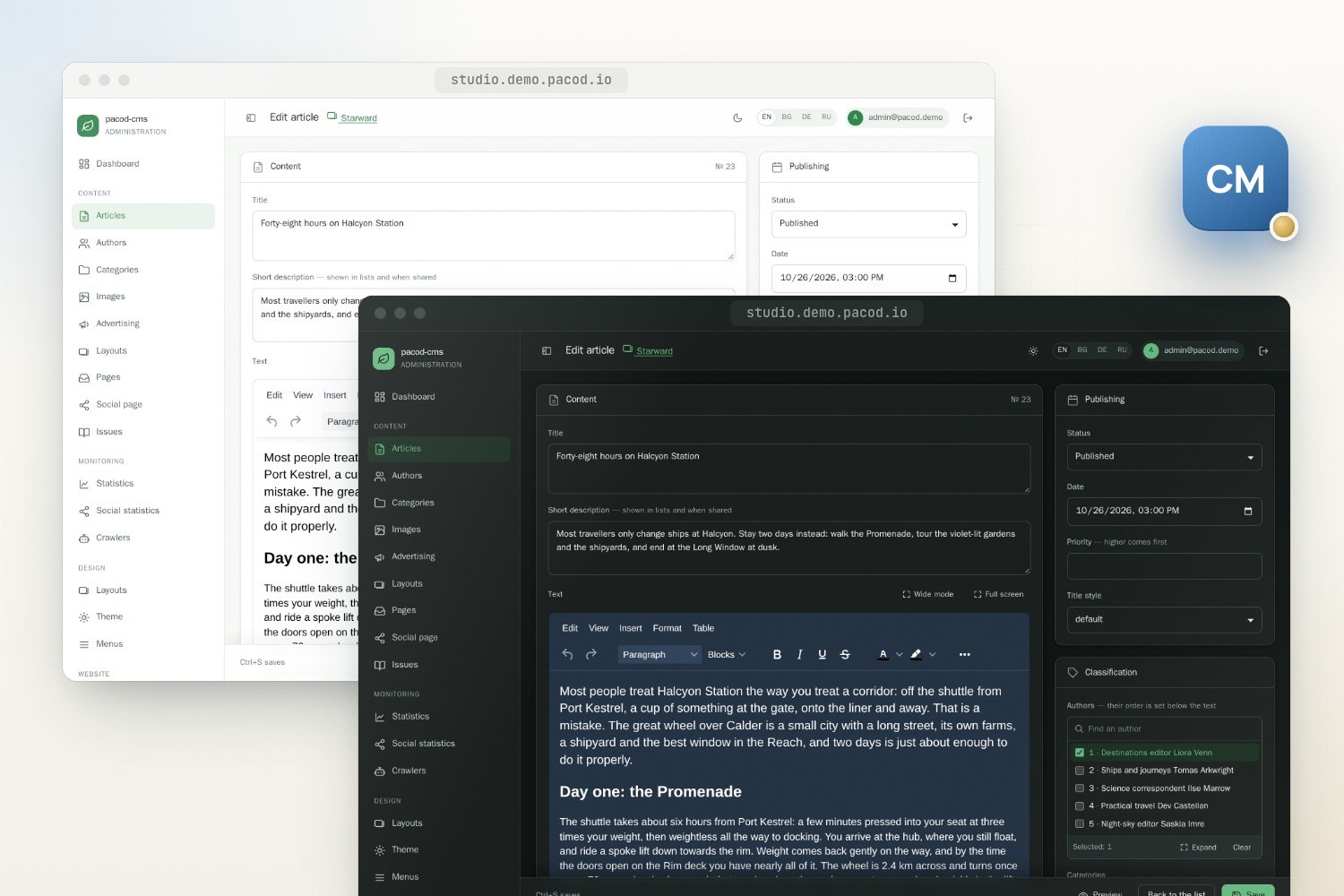
pacod-cms is an open-source content management system for editorial websites. One installation hosts many sites, each with its own database, files and cache; editors work in a multilingual studio, and readers get fast, host-routed public sites.
Content management
- Licence: Apache-2.0
- Version: 0.0.1 · Preview
- Written in: Java
- Tech stack: Java 25, Spring Boot 4.1, Thymeleaf, MongoDB, Maven, Caddy, Gotenberg, Docker
- View on GitHub · Open an issue
Features
Editorial core
Articles, categories, authors, tags and standing pages, with a shared image library across the website.
Multi-site by design
Each website has its own MongoDB database, files and cache, and answers at the hosts it claims.
Advertising and statistics
Advertising bookings with an HTML5 banner builder, a link-in-bio page for social profiles, and reader, advertising and crawler statistics, so editors see what is read and what is crawled. Bookings by section and a GitHub icon for the link page are on their way (not released yet, on the blog-site branch).
Multilingual
Content in many languages with a configurable original language, and AI translation of an article or a whole website as a job, each answer refused unless it keeps the article's markup exactly; the studio itself in English, Bulgarian, German and Russian. Russian for the public site's own labels is on its way (not released yet, on the blog-site branch).
AI writing help
Titles, a whole article drafted from a brief, a passage written at the cursor, and a body laid out in styled blocks without losing a word of the author's.
AI design
A theme, a page layout or the whole website's design drafted from a few words, refining the current draft; drafts only, with one undo.
Organisations and roles
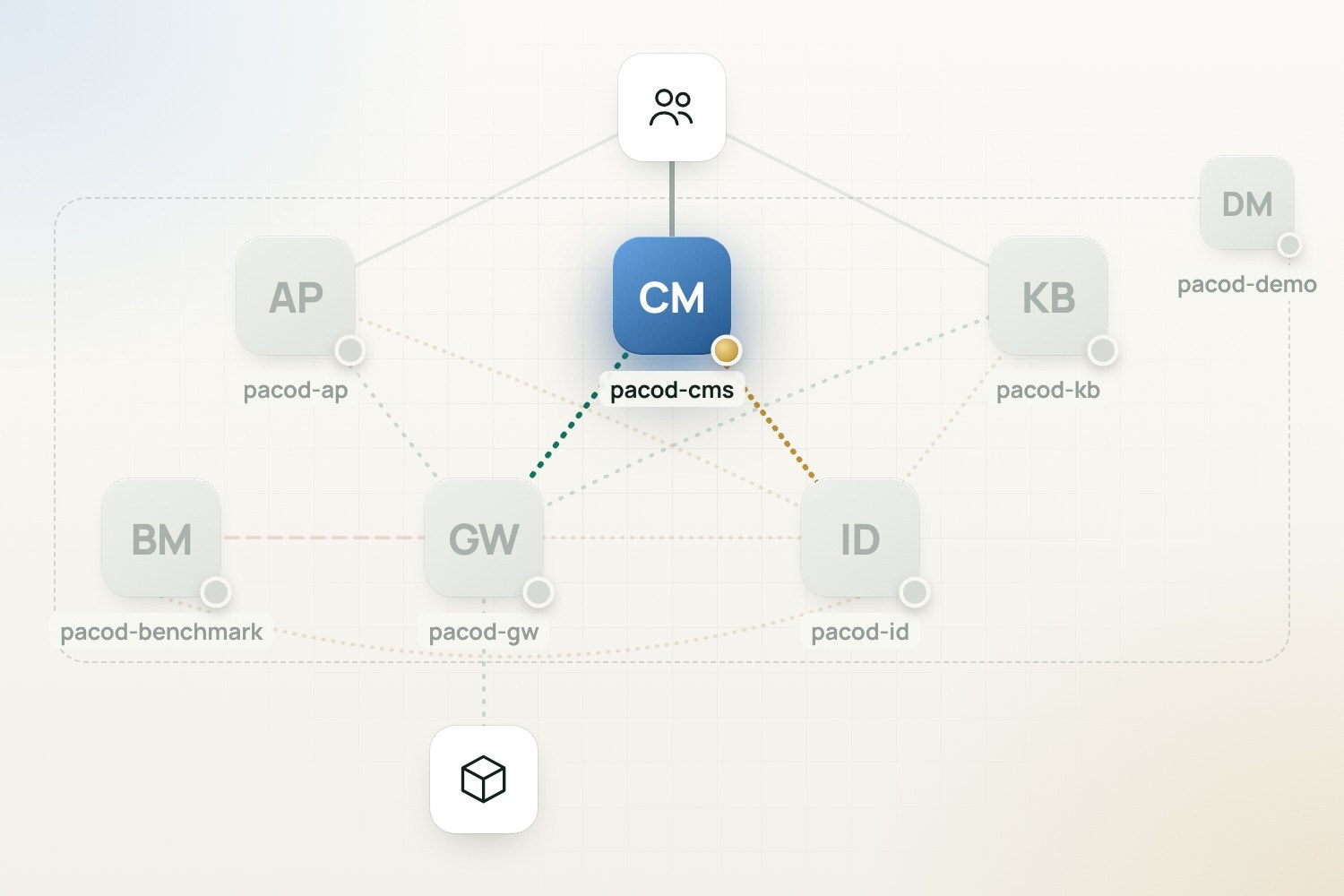
Organisations, websites and invitations, with roles per organisation and per website held in pacod-id.
PDFs and journal issues
Article PDFs as a background job, in the website's print layout or a two-column scientific format, with the abstract and keywords taken from the article or written by AI; journal issues gather articles into one PDF per language with a cover, an editorial, contents and numbered pages, published in the website's archive.
Export and restore
A website or a whole organisation downloads as one ZIP and is restored as a new one, on this installation or another.
Screenshots
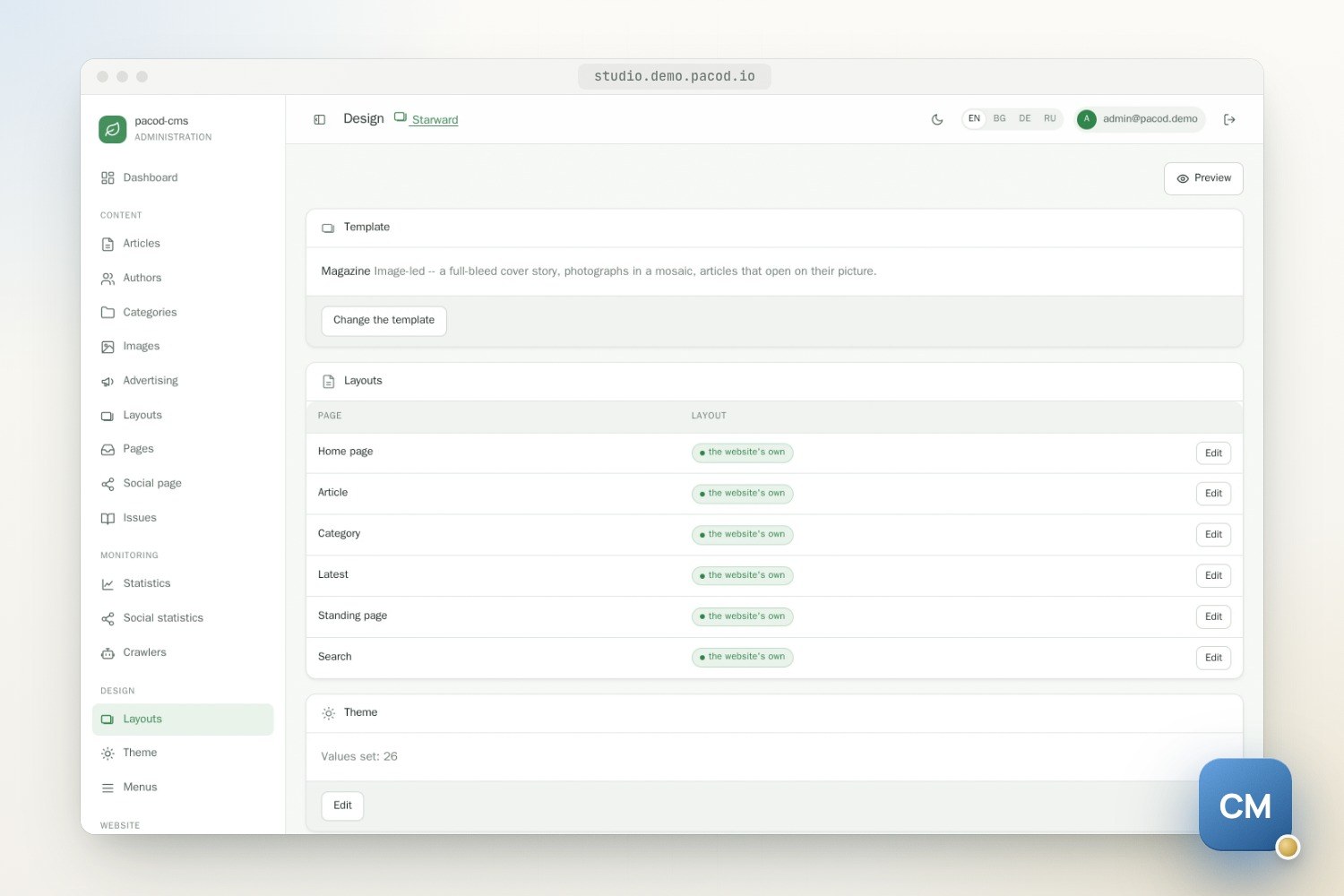
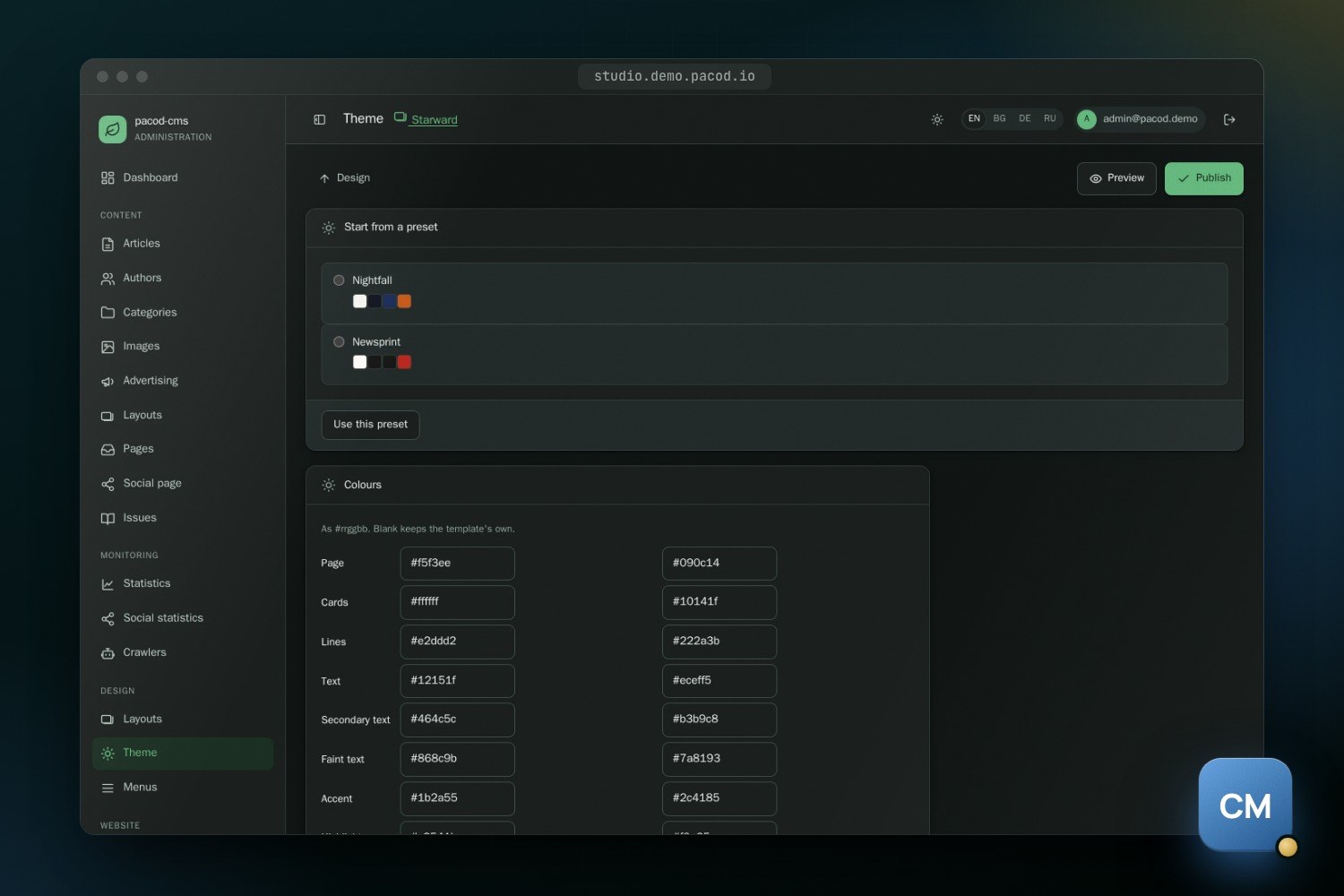
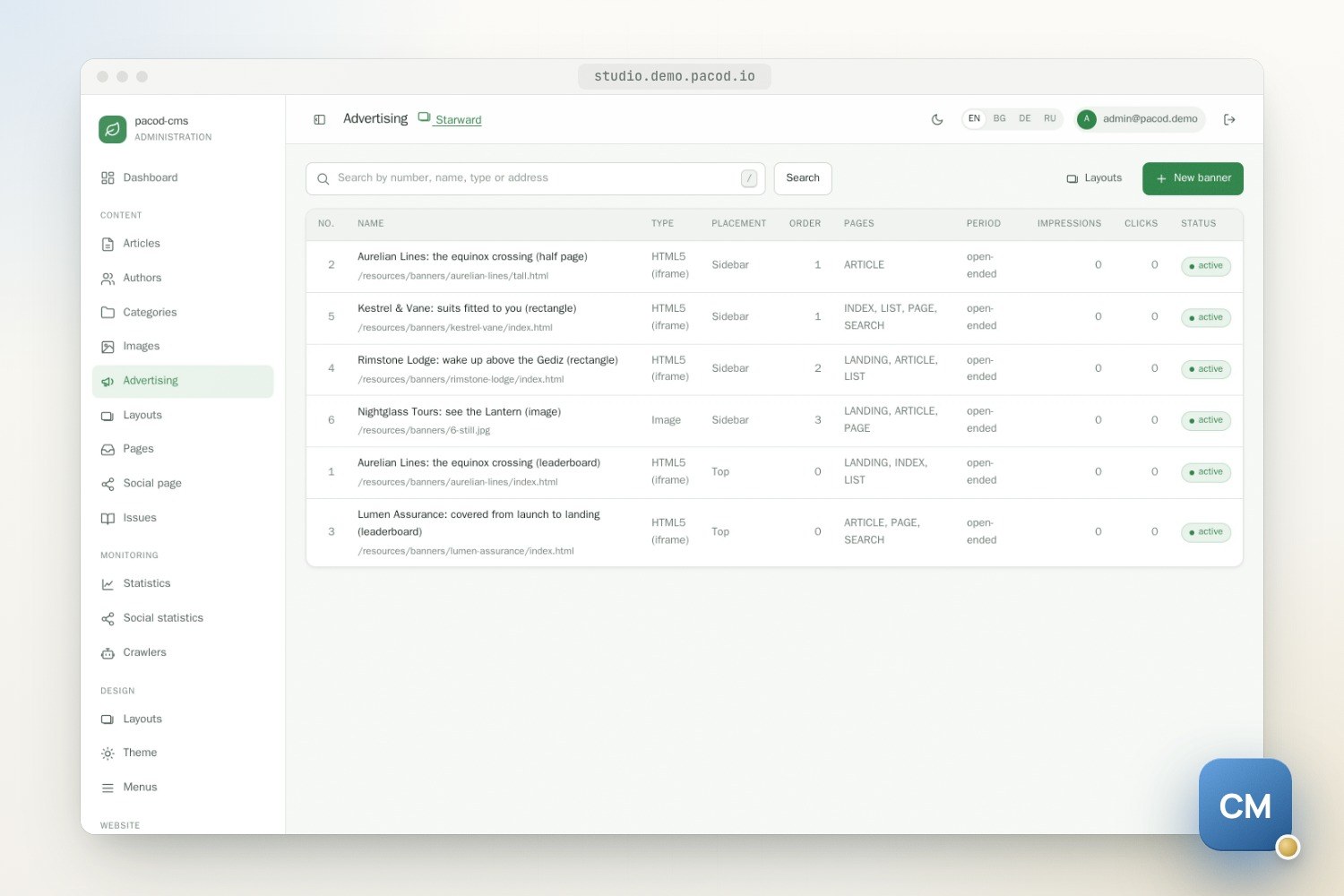
One stack, many websites
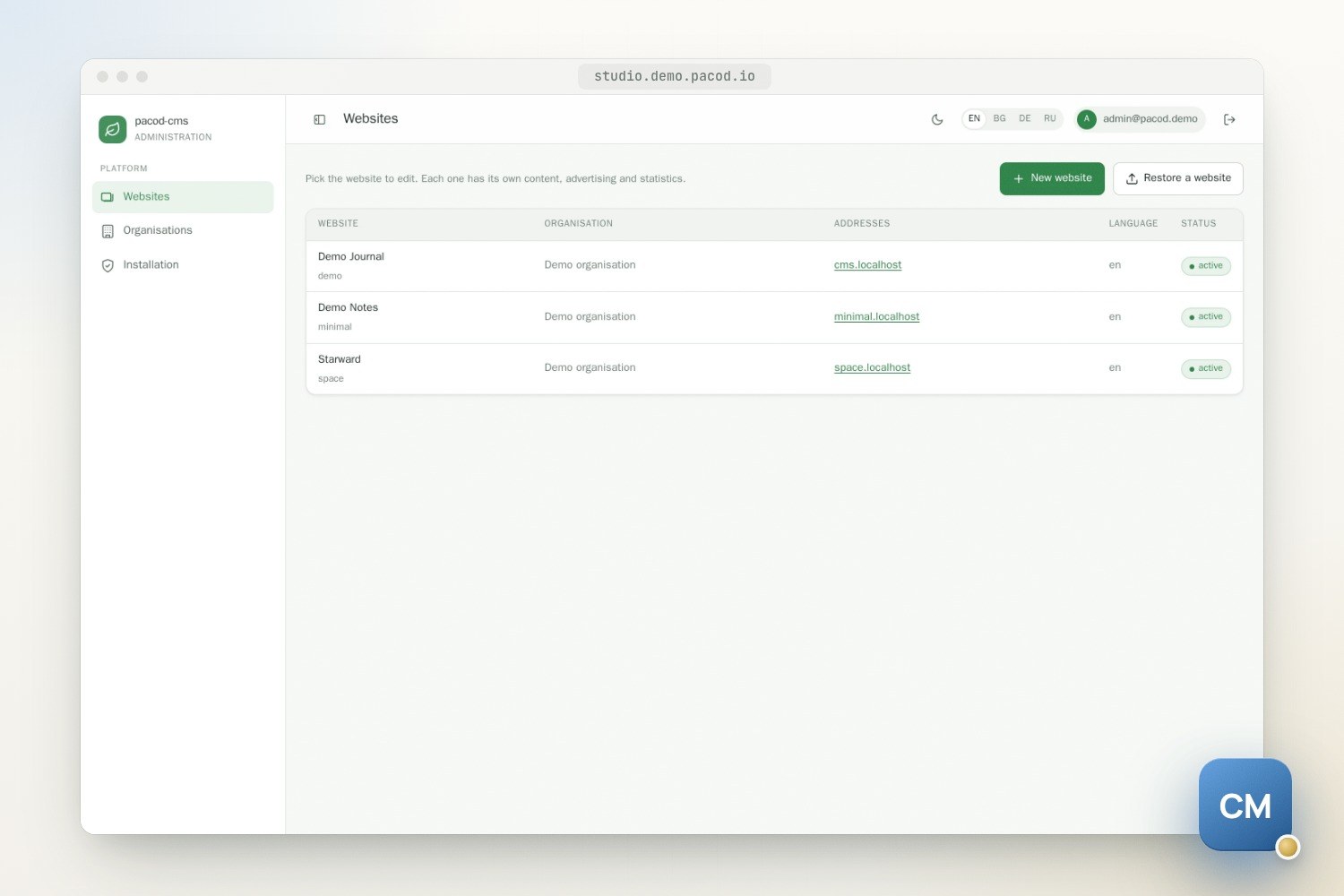
pacod-cms runs many websites, for many organisations, from one stack. Each website has its own MongoDB database, its own folder of files and its own cache entries, and answers at the hosts it claims. Anyone who signs up can create an organisation, become its admin, create websites in it and invite people to work on them; a platform admin sets the limits.
The design assumes a website's owner may be hostile to everyone else on the installation. Websites run script their owners wrote — HTML5 banners, tag managers, article bodies — and the platform has to keep that script, and that data, where it belongs.
How the parts fit
| Part | What it does |
|---|---|
pacod-cms-core |
A library: documents, services, the tenancy, the control plane, seed content, the design model, and a Java port of pacod-id's rules engine. |
pacod-cms-site |
The public site for every website at once: pages, read-only JSON under /web/v1/**, media, traffic counters. |
pacod-cms-studio |
The studio: the portal for organisations, websites and members, the editing screens, background jobs, AI. |
| Caddy | The front door, routing by host: the studio's host to the studio, pacod-id's host to pacod-id, every other host to the site. |
| Gotenberg | Renders the PDFs of articles and journal issues from the site's print views. |
The two applications never call each other. Both use MongoDB directly, so an edit made in the studio reaches the public site through the database; the site's caches expire after 60 seconds instead of being evicted, so an edit is live within a minute.
From a host to a page
Every unit of work belongs to exactly one website, bound for its duration.
- Caddy hands the request to the site. In production it requests a website's certificate at the first visit, but only after the site confirms the host belongs to an active website.
- The site looks the host up in the control plane before anything else runs. A host no active website claims gets a plain 404, never a default website.
- With the website bound, every MongoDB operation goes to that website's database. With none bound, the database layer throws rather than guess.
- The page type's layout — regions of ordered sections — is resolved against the website's template set, and each section's data is looked up first. Templates never query; a section whose data fails is left out and logged, and the page still renders.
In the studio the website comes from the path (/sites/<id>/mgmt/…); background work binds the
website it is for.
Where data lives
| Where | What |
|---|---|
pacod_cms |
The control plane: organisations, websites, domains, platform settings, the job queue. |
site_<id> |
One database per website: articles, pages, images, banners, menus, settings, layouts, theme, statistics. |
sites/<id>/ |
The website's files: article images, banner creatives, PDFs. A draft issue's PDFs sit in a private folder only the studio serves. |
| pacod-id | People, sessions and role bindings. The CMS stores no accounts. |
A website's identity — name, logos, contact details, third-party ids — is data, not markup. A
third-party id renders only when it is set and has its vendor's shape, so a fresh website loads no
tracking at all. The website's original content language is the last fallback for a missing
translation and the legally governing text. A canonical address, hreflang and article metadata in
every reader page's head, and an Atom feed per website and per category, are on their way (not
released yet, on the blog-site branch).
Design without touching code
Under Design in the studio, each website picks one of three template sets — editorial, a front
page of article grids with a column beside the content; minimal, one quiet column; or magazine,
image-led, with a full-width cover story, photographs in a mosaic and articles that open on their
picture — and arranges a layout per page type:
home, article, category, latest, standing page and search. Sections include lists of articles
(latest, a category or the most read), rich text, a call to action, a search box and the social
links; a section that shows a standing page's text in the reader's language is on its way (not
released yet, on the blog-site branch). A theme sets colours with night-mode values, fonts and widths.
An article's body can hold styled blocks from a closed list: a lead, a callout, a pull quote, a
key-facts box, two columns, and a figure with a caption, plain or set to the left or right. The
websites style them from the theme, in their print views and so in PDFs too, and the editor shows
them as readers will. Five come from the editor's Blocks menu; AI layout can use all six.
Code samples, inserted from the editor and highlighted with Prism on the websites, are on their way
(not released yet, on the blog-site branch).
Switching sets first shows what would be lost, and nothing is removed: sections the new set cannot show are kept and come back on a switch back. Layouts and the theme stay drafts until someone allowed to publish them does, whether a person or AI wrote them. Design assist drafts a theme, a layout or the whole website's design from a few words; the AI section below has the details. The preview shows drafts from the website's own address, at desktop, tablet or phone width, through a signed token valid for 30 minutes, and counts nothing.
A new template set is code an operator installs, not an upload: a Thymeleaf template can do anything the site can.
PDFs and journal issues
Long work runs in the studio as a job, at most one per organisation at a time, with a live log and a cancel button. PDF export is one: Gotenberg renders each article into one PDF per language it is written in, and the article links its PDF once it exists.
- Two formats. Standard is the website's print view. Scientific is a paper layout: a full-width head with the title, authors, abstract and keywords, then the text in two columns.
- Two ways to make them. Code only takes the abstract and keywords from the article's description and tags. With AI has pacod-gw write an abstract, keywords and a short running title for each article and language. The article's text is never changed.
- PDF settings hold each website's defaults: format and way, paper (A4, Letter or A5) and margins, the journal's name per language and its ISSN, a running head and page numbers. Any run can choose another format and way.
A journal issue gathers articles into one PDF per language. It has a volume, a number and a
month, a title and an editorial per language, and an optional cover image; its articles are picked
one by one or filled from its month, then put in order. Generating it renders a cover, the
editorial, a table of contents with page numbers and then the articles, with a bookmark per article
and the pages numbered throughout. A draft issue's PDFs are downloaded from the studio only.
Publishing it puts the issue and its PDFs on the website at /issues and in its sitemap.
Security model
Who may do what
pacod-id owns accounts and roles. Tokens carry no roles: the studio follows pacod-id's feed of role
bindings and decides every permission itself against the CMS's manifest (authz/cms.yaml). The
roles are platform admin, provisioner, organisation admin, website admin, designer, editor, author
and analyst, held at the platform, an organisation or a website. An author writes; an editor also
publishes.
- Every studio handler declares the permission it needs; one that declares none is refused. No role is implicit.
- When pacod-id's feed has not answered for a minute, the studio answers 503 rather than decide with roles that may have been taken away. The public websites are unaffected.
Websites kept apart
- The studio and pacod-id sit on a different registrable domain from the websites, or the
studio refuses to start. Otherwise a website's script could set cookies for them and defeat their
CSRF protection. An installation whose websites are all trusted, such as a demo on one domain,
can accept that risk with
PACOD_SITE_DOMAIN_SHARED=true: the studio then starts with a warning, and a website still never takes the studio's or pacod-id's own host. - The studio never serves a website's HTML or script. Draft and HTML5 banner previews are framed from the website's own origin.
- Gotenberg is locked down: it can reach only the site's internal address and runs no JavaScript.
- Only published articles reach a reader, on every route, list, sitemap and PDF. A draft journal issue is never public.
AI that keeps its hands off your keys
Every AI call goes through pacod-gw; the studio never holds a provider's key. AI is off for new organisations by default: a platform admin switches it on per organisation, and a website's admin can switch it off for that website.
Writing
In the article editor, writing help works on the text as it stands, saved or not:
- Rewrite a selection six ways: clearer, shorter, longer, corrected, more formal or friendlier.
- Titles: up to three headlines for the article.
- Draft a whole article — title, description and body — from a brief, short, medium or long (about 300, 600 or 1,200 words), in the website's original language. It uses only the brief's facts; where one is missing it writes a placeholder in square brackets for the author to fill in, and never invents one.
- Write at the cursor: a passage from a brief, in the language and voice of the text around it, under the same rule on facts.
- Lay out a selection or the whole body in headings, lists, emphasis and the styled blocks. Every word of the author's must still be there, in its order, or the answer is refused. A body holding a frame, a video, a script or a form is refused before any call, since the layout would lose it.
- Summary and tags for the article, and alt text per language, which a vision model writes from the picture itself.
Answers are cleaned to a short list of tags and of link schemes (http, https, mailto, relative). A
class survives only where it names a styled block on its own element; no style, no script, no
image the author's text did not already have, and no link to an address the author's text, brief or
article did not give. Numbers, names and pull quotes an answer holds that its material does not are
listed beside it for the author to check, a heuristic, not proof.
A rewrite, a passage or a layout is shown in a
preview and inserted as one undo step; a draft fills the form. Nothing is saved until the author
saves.
Design
- Theme and layout assist drafts a theme or one page type's layout from a few words. By default it refines the current draft, which the model is shown, and changes only what the brief asks; on request it starts over. Each answer is checked as if an operator had typed it, and one click undoes the change, or redoes it.
- The whole website's design — the theme and every page type's layout — is drafted from one brief as a job. Each step stands on its own, so one that fails leaves the others; the job is safe to run again, can be cancelled and records its cost. A website runs one design job at a time.
Either way only drafts change; publishing still needs someone allowed to.
Translation and PDFs
- Article translation runs as a job. A translated body must keep its source's markup exactly —
only
alt,title,aria-labelandplaceholdermay change — or it is refused. - Website translation covers standing pages, section names, menus, the link page and, if ticked, tags, without overwriting an edit made while it ran; at most 2,000 calls a run.
- PDF front matter: for PDFs made with AI, an abstract, keywords and a running title per article and language, checked as plain text. They are reused until the article is edited.
What every answer must pass
- Every answer must fit a strict JSON schema. One the model cut short or declined is a failure, and nothing of it is written.
- The person's text is sent as material, and the model is told it is never instructions, even where it reads like them.
- The gateway sees opaque ids only, never names or e-mail addresses.
Three environments, one Makefile
| dev | stage | prod | |
|---|---|---|---|
| Front door | HTTP, plus HTTPS from Caddy's local CA | HTTPS (Let's Encrypt) | HTTPS (Let's Encrypt, or a certificate pair of your own) |
| pacod-id's mail | caught by mailpit | caught by mailpit | your relay |
| AI | mock gateway | mock gateway | your pacod-gw, or off |
| Demo websites | yes | yes | none |
Stage is production's configuration with mail caught and AI mocked. make check refuses to start
while a secret is missing or the configuration is unsafe. Back up .env, the MongoDB databases, the
websites' files and pacod-id's PostgreSQL. The studio's /mgmt-health is liveness only: a studio
that cannot reach pacod-id stays healthy while its screens answer 503, and says so in its log.
The site and the studio log in the shared pacod format, as JSON or text (APP_LOG_FORMAT).
Export and restore move one website between installations. A website, or a whole organisation, downloads from the studio as one ZIP of its content and files, without traffic statistics, members or hosts. A restore inspects the whole archive before it creates anything, and always creates a new website or organisation, on this installation or another; uploads up to 2 GiB are accepted on those two paths only. Whole-platform backups remain MongoDB dumps.
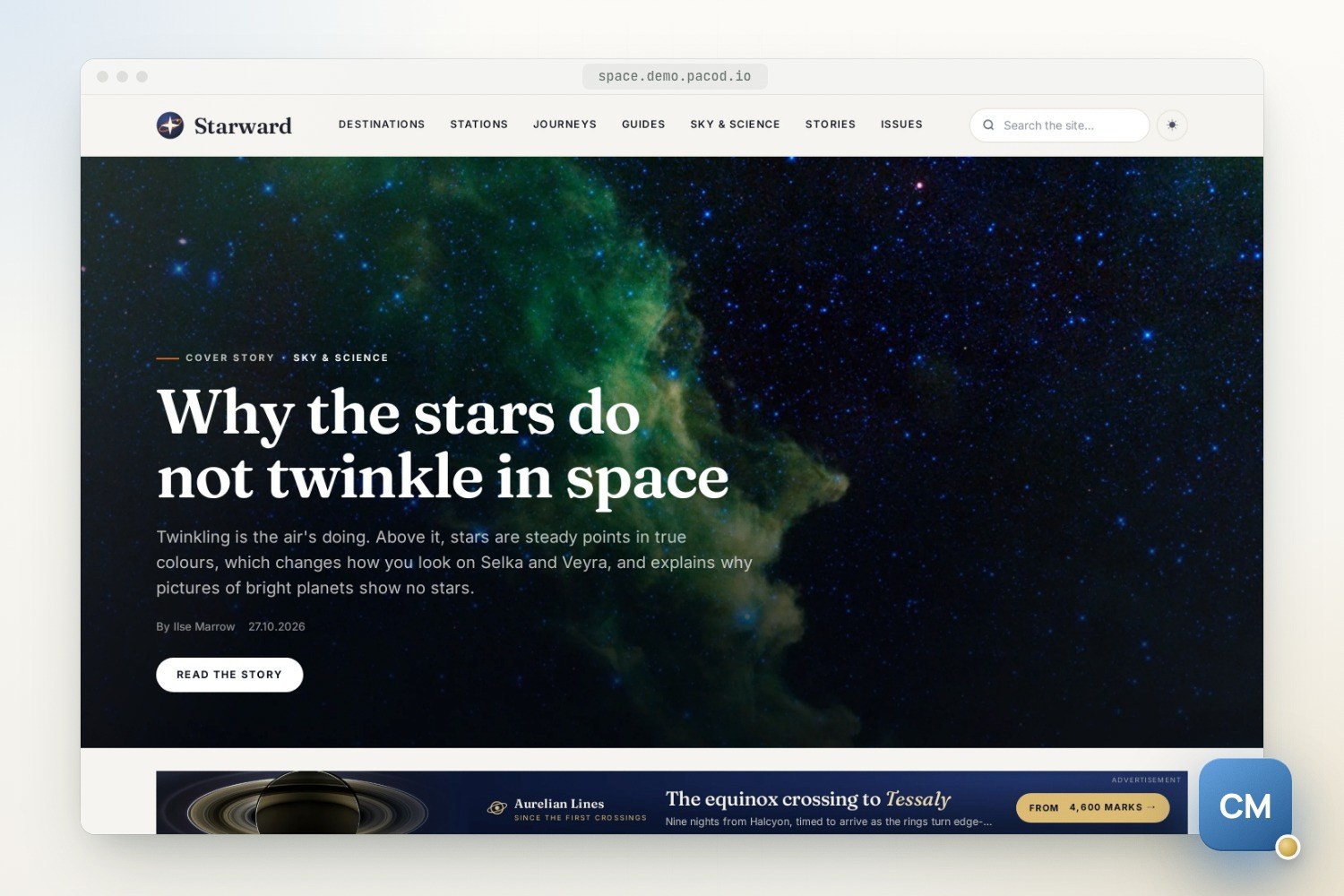
A fresh dev or stage install creates three demo websites: Demo Journal (editorial), Demo Notes
(minimal) and Starward (magazine), a space-travel magazine for an invented star system: 24
long-form articles that use every styled block, five authors, its own pages, menus, layouts, theme
and two published journal issues, 37 credited NASA photographs, and five invented advertisers with
HTML5 creatives.
make site-create … DEMO=space or make seed SITE=<id> DEMO=space gives another website the
Starward content. Seeding a website from a folder of its own (SEED_DIR=<folder>), checked whole
before anything is written, is on its way (not released yet, on the blog-site branch).
Every environment runs on pacod-net, the Docker network all pacod projects share. Listeners only
servers reach, such as pacod-id's internal one, are on a second, internal network, pacod-admin-net,
which the studio joins. The CMS's own
services — the site, the studio, MongoDB and Gotenberg — are in one compose file; its own copies of
the shared parts — Caddy, pacod-id with its PostgreSQL, the development gateway and the mail
catcher — are in a second, which the Makefile loads alongside. Only one stack running the shared
parts fits on a machine; running behind a Caddy and a pacod-id the host already has
(PROXY_MODE=external) is on its way (not released yet, on the blog-site branch).
pacod-demo loads only the first file and runs the
CMS with the other projects behind one Caddy, pacod-id, PostgreSQL and gateway; it is online at
demo.pacod.io.
What has been tested, and the limits
- The unit tests run with Bulgarian as the original language, so the non-default configuration is the one exercised.
- The integration tests run two websites in one real MongoDB and check they stay apart: routing, host resolution, caches, storage and statistics.
make e2echecks sign-in and the portal against the running stack.- The newer AI round trips — the draft card, the title list, design assist's refine and undo, the design job and the list of facts to check — have not been checked on a running stack yet.
Limits and further reading
Known limitations in v1:
- A website's identity (
siteSettings) has no studio screen yet; it is edited in the database. - The demo content is written in English, so only a website whose content language is English can have it.
- The members list does not show platform-wide roles.
The roadmap lists what v1 defers, among it a write API, a gateway key and AI budget per organisation, a separate worker, S3 storage and content importers.
In the repository:
- Architecture — how a request finds its website
- Security — what keeps websites and the studio apart
- Template sets — writing a set of your own
- Running and Deployment — environments, TLS, hosts, settings
- Roadmap — what v1 includes and what is deferred
Quick start
A developer machine
make init
make up
open http://studio.localhost:8000/
Another website from the command line
make site-create SLUG=acme NAME="Acme News" HOSTS=acme.localhost DEMO=1Works with
- pacod-id: The studio signs people in through pacod-id, which also holds their roles per organisation and per website.
- pacod-gw: AI features go through the gateway — the studio never holds a provider's key.
- pacod-demo: Runs the CMS with the other projects behind one Caddy, pacod-id and gateway — the live studio and three demo websites.
The project's own code is Apache-2.0. The studio bundles the TinyMCE editor (GPL-2.0-or-later), so the studio as built is redistributed under GPL-3.0 terms as a whole. The public site does not contain it.