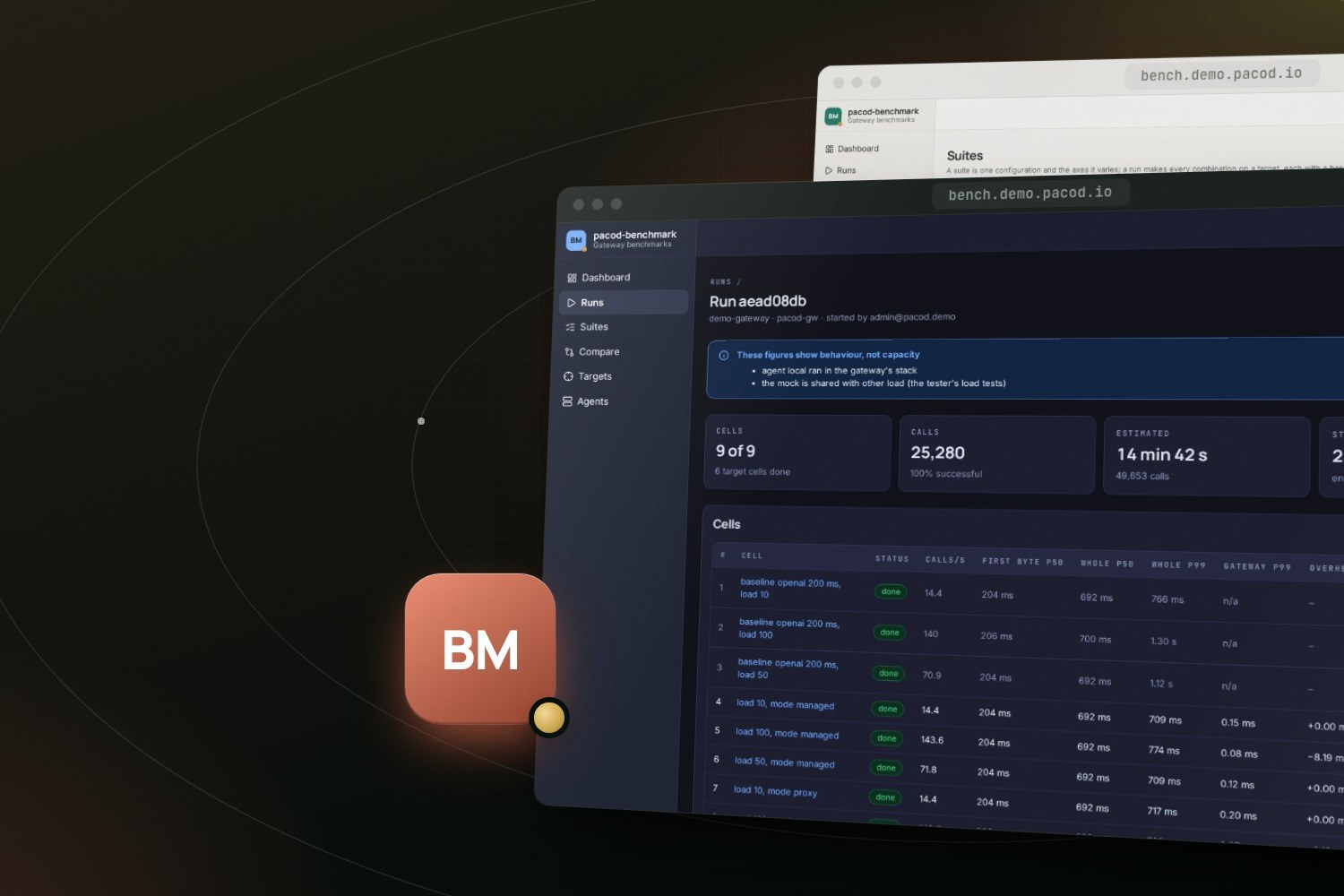
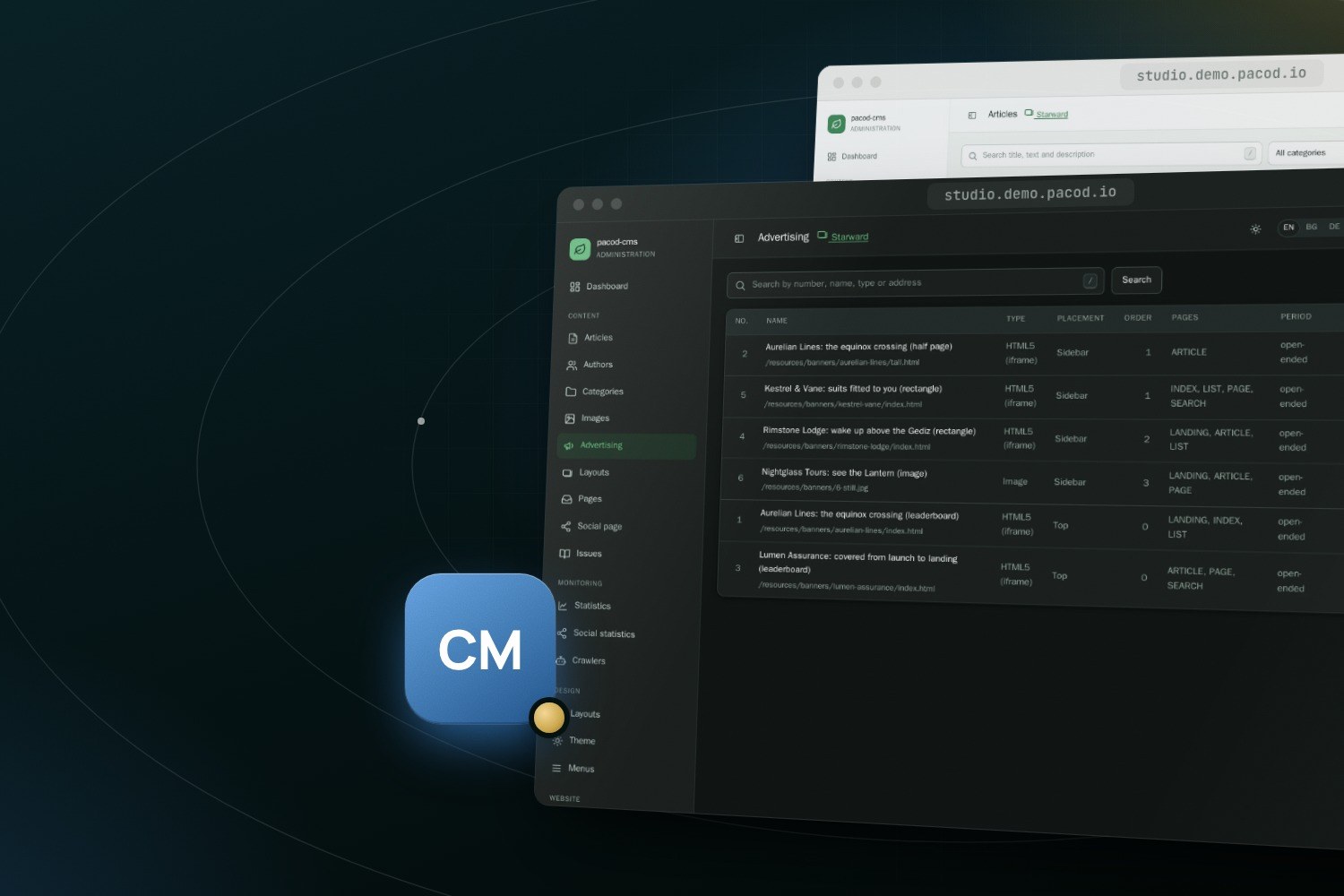
This website, www.pacod.io, now runs on a pacod-cms installation. It uses the magazine template set, the look of the Starward demo, and it is mainly a blog for the PACOD projects and PACOD's own assistants. This post says what is on it, how its first content was made, how its banners are booked, how it handles four languages, and what pacod-cms had to gain to run it.
What is here
Until now, the projects had a site of their own at ai.pacod.io, a SvelteKit site over a small content API, and www.pacod.io held the public pages of the assistants beside the app they lead to. Now both are one website in a pacod-cms studio, edited there like any other; the app moved to app.pacod.io, and every earlier address leads to its new place.
Each project has a page of its own: pacod-gw, pacod-id,
pacod-ap, pacod-cms, pacod-kb,
pacod-benchmark and pacod-demo. Each page opens on its
product's own screens, shows where the product sits in the platform, and then goes into depth.
The projects and how they fit together give the overview. The
posts are filed in sections, one per project and one for the platform as a whole, and
the latest lists them newest first. The old site's addresses, such as
/projects/pacod-gw, redirect to their new ones for good.
From a folder to a website
The blog's first content is not typed into the studio. It lives in a git repository, pacod-web, and is built into a seed: one folder that pacod-cms can check and write into an empty website.
content/blog/holds the posts, each a folder with ameta.yaml(date, sections, tags, cover) and an English Markdown file; the standing pages; the website's own texts in each language; the sections, authors and menus; the pictures with their captions; and the banners.content/projects/holds the project pages, in English, Bulgarian, German and Russian.seed/is a small Python program that builds all of it intobuild/seed/: aseed.jsonin the shape of the CMS's own demos, and the files it names by relative path.
A post's folder is numbered, and the number is its address: this post is /article/9. A newer post
has a higher number, because the CMS orders its latest posts by id. A picture alone in a paragraph
becomes a figure with its caption, and a code fence keeps its language.
make seed-check                     # pacod-web's own checks, then pacod-cms checks the seed whole
make blog-create HOSTS=www.pacod.io  # a new website on the magazine set, written from the seed
The builder checks what the CMS cannot know: the content files themselves, the links between posts and pages, the translations. It collects every problem before it fails, so one run lists them all. pacod-cms then checks the seed whole before it writes anything, and a seed with any problem is refused with every problem listed. Like the demos, the seed is written once, into a website without articles. From then on the website is edited in the studio, not in the repository.
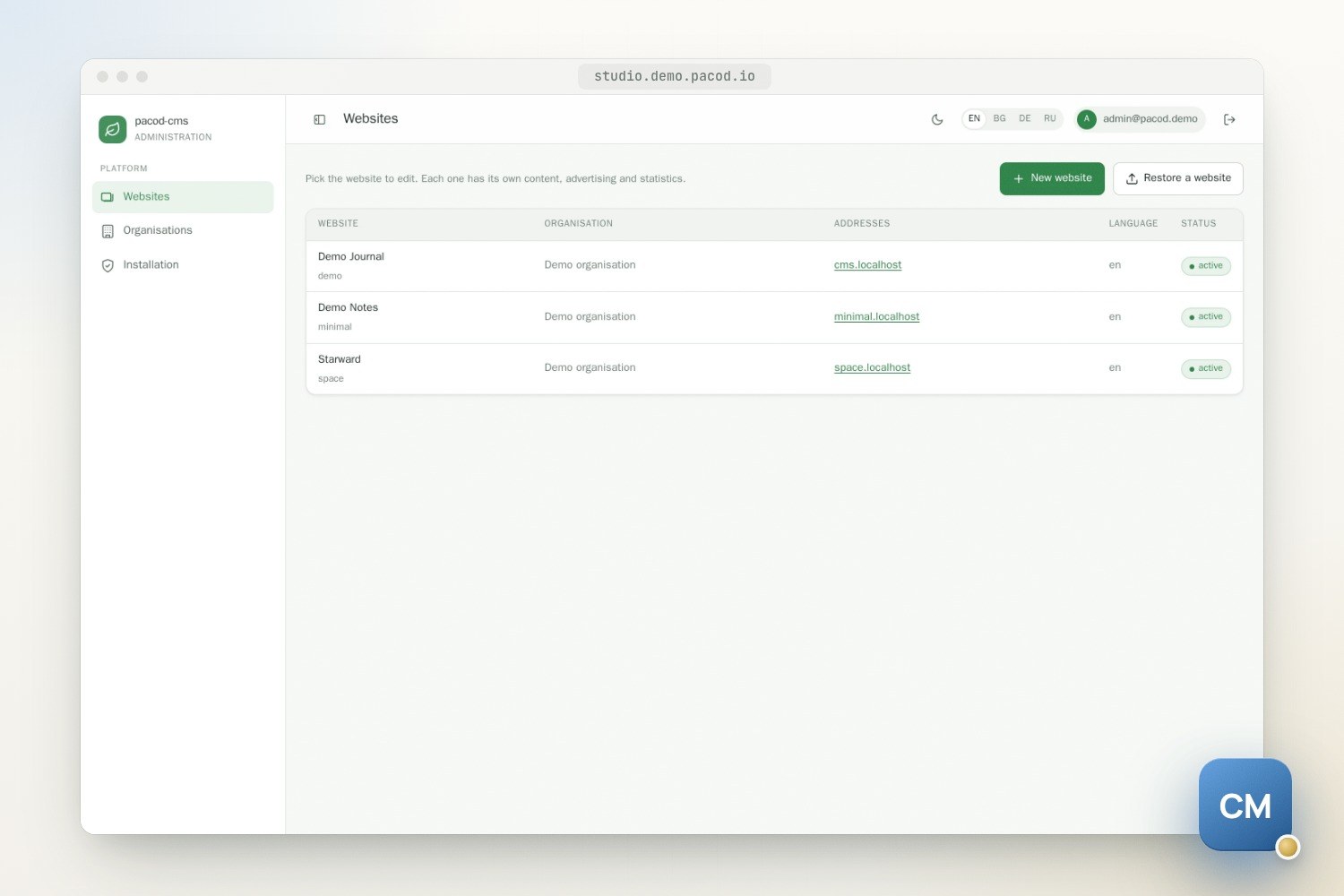
The pictures are made the same way, from the products themselves. make screens signs in to a
running pacod-demo as its administrator and takes each product's screens at twice the pixels, in
light and in dark. make visuals then draws the covers, the framed screens and the "where it
fits" diagrams at 1,500 by 1,000 pixels, the CMS's own 3:2 at its largest, so it neither crops nor
pads them. They hold no words but the products' names, because a picture cannot be translated:
what one means goes in its caption, written in all four languages.
Banners booked per section
The banners on this website are our own, and they promote the projects. Each project has three HTML5 creatives, written by one script from a shared base: a leaderboard 90 pixels high above the content, and a square and a tall one for the sidebar. Each is a single link, to its project's page or to the demo, and the CMS counts the clicks. Each takes the width of its column, down to a phone's, stops its animation for readers who ask for reduced motion, and sends no request beyond the website. Each carries its own small "PACOD" label, and no file name contains a word that ad blockers hide.
They are booked per section:
- Beside a project's posts, and on
/latestwhile it shows one of them, that project's tall banner takes the sidebar. - Above the list of a project's section, its own leaderboard runs.
- Everywhere else the demo's banners fill in: its square in the sidebar (on the home page, beside
pacod-gw's), and its leaderboard above the home page, the standing pages, search and the other
lists. Posts and
/latestcarry no leaderboard.
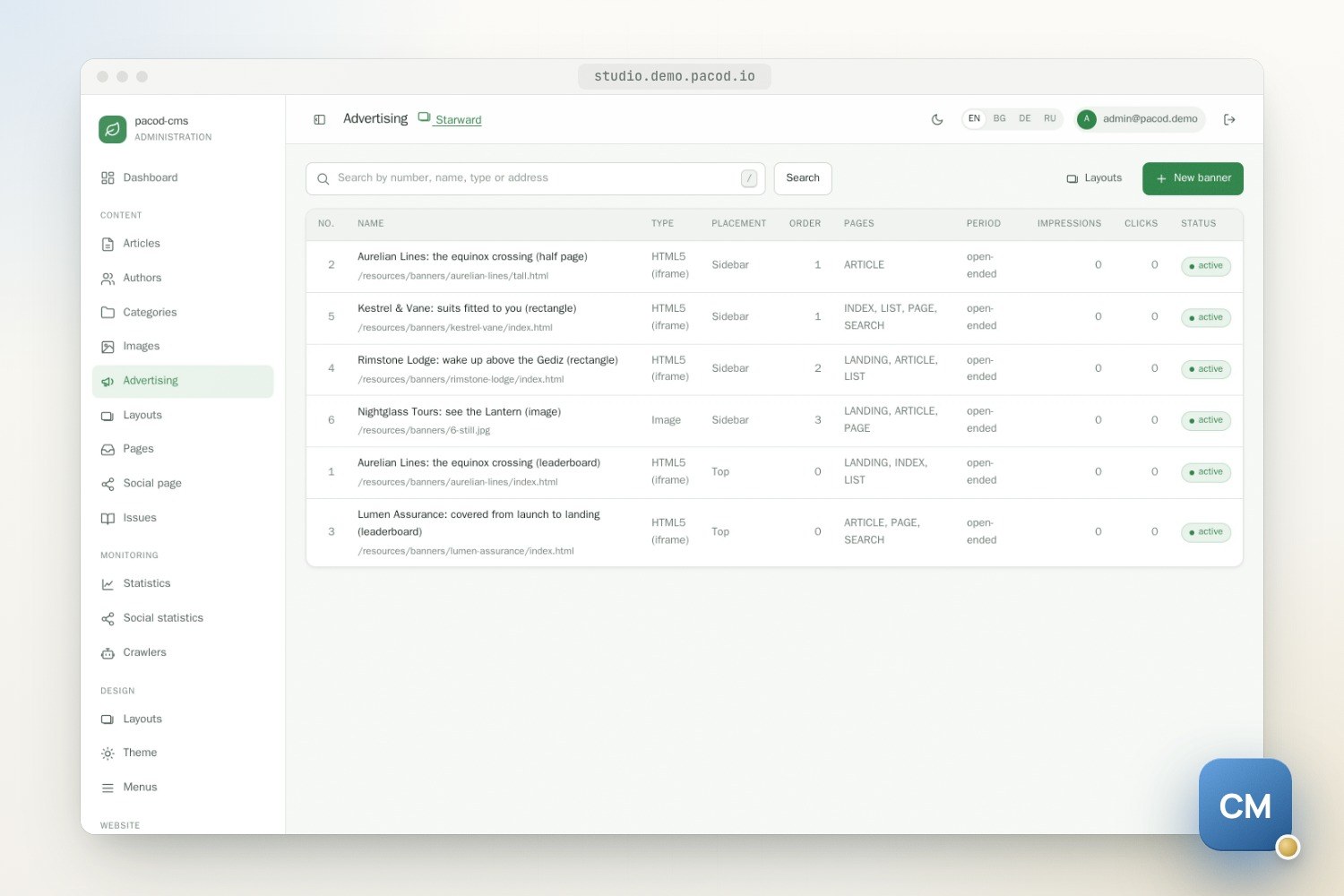
Where a booking for one of the page's sections runs, only those render; elsewhere, only the bookings that name no section do. The two never stack. A booking for a section never runs on a page without one, such as the home page, search or a standing page.
Four languages
The website is in English, Bulgarian, German and Russian. The project pages are in all four from the start. Posts appear in English first and are translated in the studio by its AI translation job, through pacod-gw like every other AI call (AI in pacod-cms describes the job and its checks). A translated post says that AI translated it. Until then, a post is shown in English, and a standing page that is not translated yet is shown in English with a notice saying so.
What pacod-cms gained
The work is in pacod-cms, on its blog-site branch, which this website runs on. It is not in a
release yet and will join main when it is merged.
A website seeded from a folder of its own. Until now a website's first content could come only
from the demos built into the CMS. Now it can come from a folder holding a seed.json and the files
it names: photographs, creatives, brand files. The folder is mounted read-only and read strictly,
so an unknown key is refused rather than dropped. The checks cover references, ids, complete
translations, ids that follow the dates, no published article in the future, layouts that resolve
on their template set, menu and link targets, every file present and decodable, and clean article
bodies.
Banners booked for sections. A booking can now name sections, which is what the rules above rest on. The studio's booking form lists the website's sections as checkboxes, and deleting a section returns a booking made for it alone to every section, rather than leaving it to run nowhere.
The rest of what a blog needs.
- Every reader page names its canonical address and its other languages (hreflang), and a post carries its article metadata for links shared elsewhere.
- An Atom feed of the newest 20 articles, for the website and for each section. In a language other than English, a feed lists the articles translated into it.
- Code samples: a button in the editor, colours on the public site from the theme (Prism, loaded only on a page that has a sample), and an AI translation that is refused if it changes a line of code.
- The public site's own texts, such as navigation, search and errors, in Russian too, and a GitHub icon for the link page.
- Running behind a Caddy and a pacod-id that already serve the host, as this server's do.
The feeds, for the whole website and for one section:
curl -s https://www.pacod.io/feed.xml
curl -s "https://www.pacod.io/list/2/feed.xml?lang=de"   # the pacod-cms section, in German
Before the switch, a dry run on a local stack created this website from the seed, its organisation and all, and the studio's platform admin worked on it without being a member of it.
Where to start
If you are new here, the first post introduces the projects, and the ones after it take them one at a time. Starward and the magazine set shows the design this website is built on, and the pacod-cms page describes the CMS itself. The code is at github.com/pacod22/pacod-cms, and Starward and the other demo websites run at demo.pacod.io.