A third template set has come to pacod-cms, magazine, with a demo website made to show it: Starward, a
travel magazine for an invented star system called the Reach. This post covers how a pacod-cms
website gets its look without anyone touching code, what a template set is, what the magazine set
adds to the two that came before it, and what is inside the Starward demo.
Designing a website in the studio
Under Design, each website chooses how it looks:
- A template set, which gives the pages their markup.
- A layout for each page type: home, article, category, latest, standing page and search. A layout is a list of sections per region: the page's own content, lists of articles (the latest, one category or the most read, as cards, a hero, a list, a ranking or videos), rich text, a call to action, a search box or the social links. Sections are added, configured, and moved by dragging or with the arrows.
- A theme: eleven colours, each with a night-mode value, three fonts from an allow-list, the page's width and its gutter, a preset to start from, and CSS of the website's own. The tokens are shared by every set, so a theme survives a switch.
- The menus, with their labels in each of the website's languages.
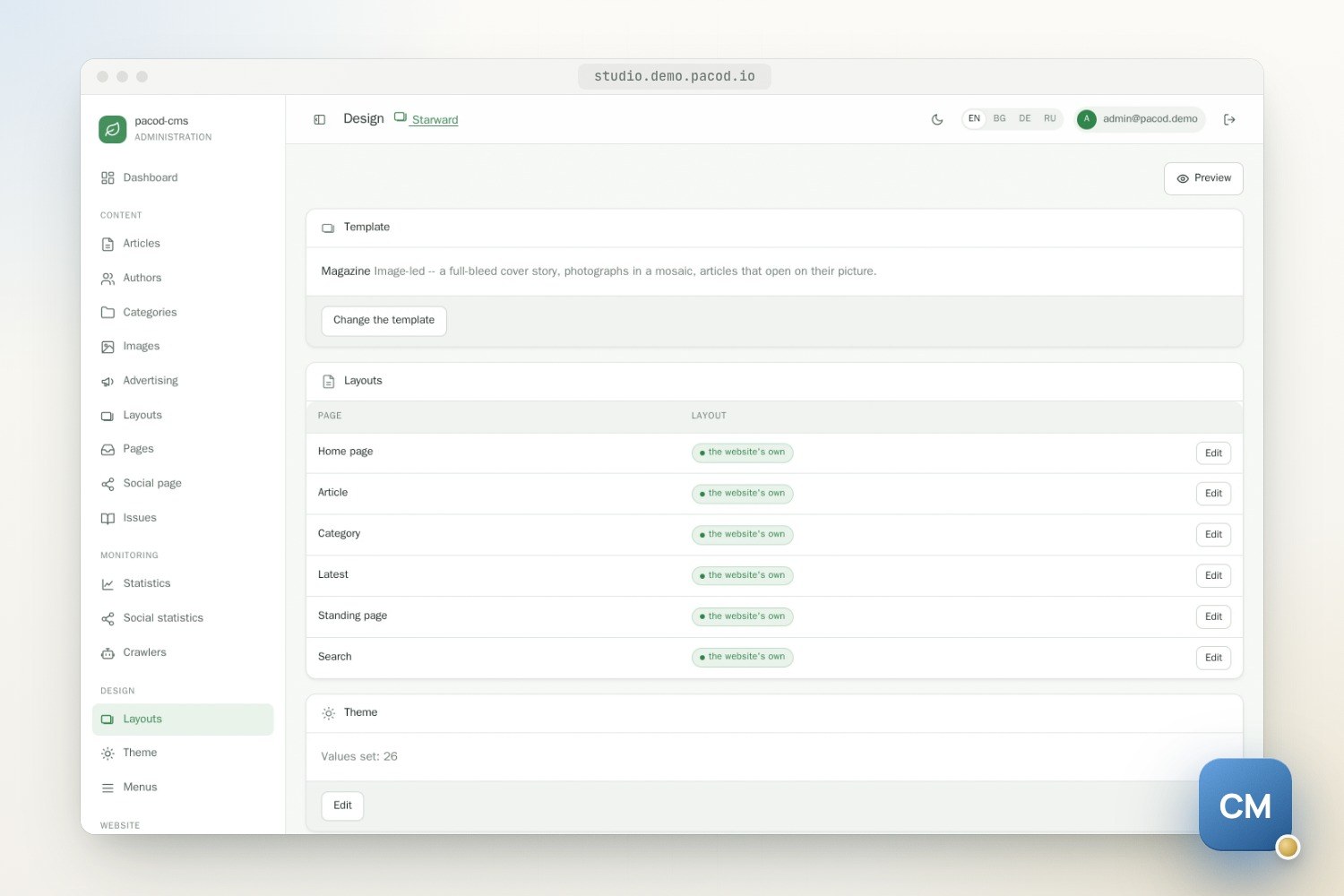
Layouts and the theme are drafts until someone allowed to publish them does. The preview shows the drafts in a frame served from the website's own address, at desktop, tablet or phone width, or on another template set, through a signed token that lasts 30 minutes. A preview is never counted as a reader and loads no tracking.
Switching sets first shows, page type by page type, what the website's layouts would lose. Nothing is removed: sections the new set cannot show are kept and flagged, and they come back on a switch back.
A set is code
A template set has two halves. Its Thymeleaf templates live in the public site's module, and its manifest lives in the core, because the studio reads it too. The manifest declares the set's page types, the regions each one has, the section types the set implements, its default layouts and its theme presets. The layout editor offers only what the set can render. The start of magazine's manifest:
id: magazine
name: Magazine
extends: editorial
pageTypes:
  HOME:
    regions: [top, main, aside, wide]
    layout:
      top:
        - {type: article-list, settings: {source: latest, count: 1, style: hero}}
A set may extend another and override only some of its templates. Each set gets its own template
engine, which looks in the set, then in each parent in turn, then in a shared base. Templates never
query anything: the site looks up every section's data before rendering, and a section whose data
fails is left out and logged while the page still renders.
A set is installed by an operator and built into the site, never uploaded, because a Thymeleaf
template can do anything the site can. Three ship: editorial, a front page of article grids with
a column beside the content; minimal, one quiet column; and magazine. The last two extend
editorial.
What magazine adds
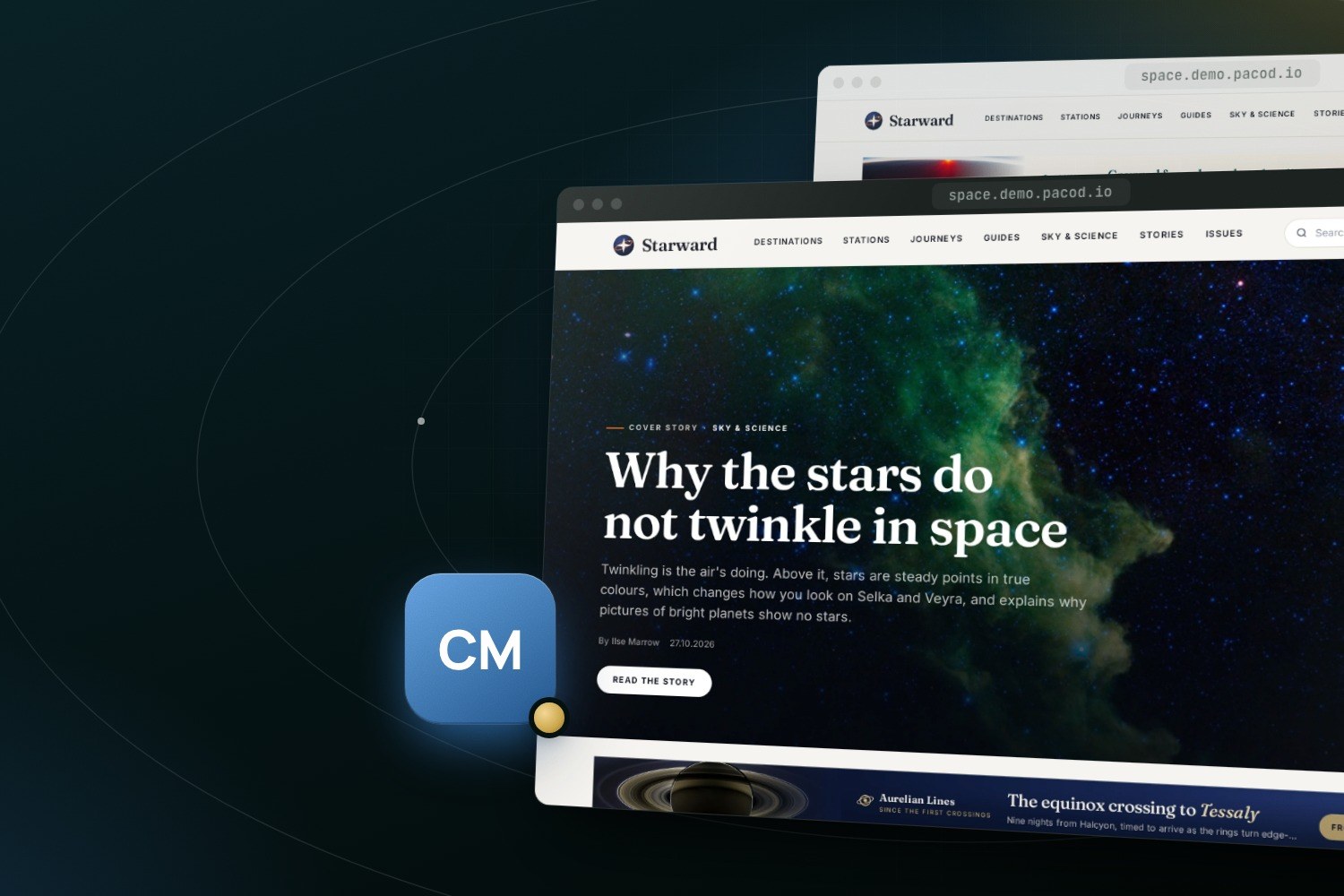
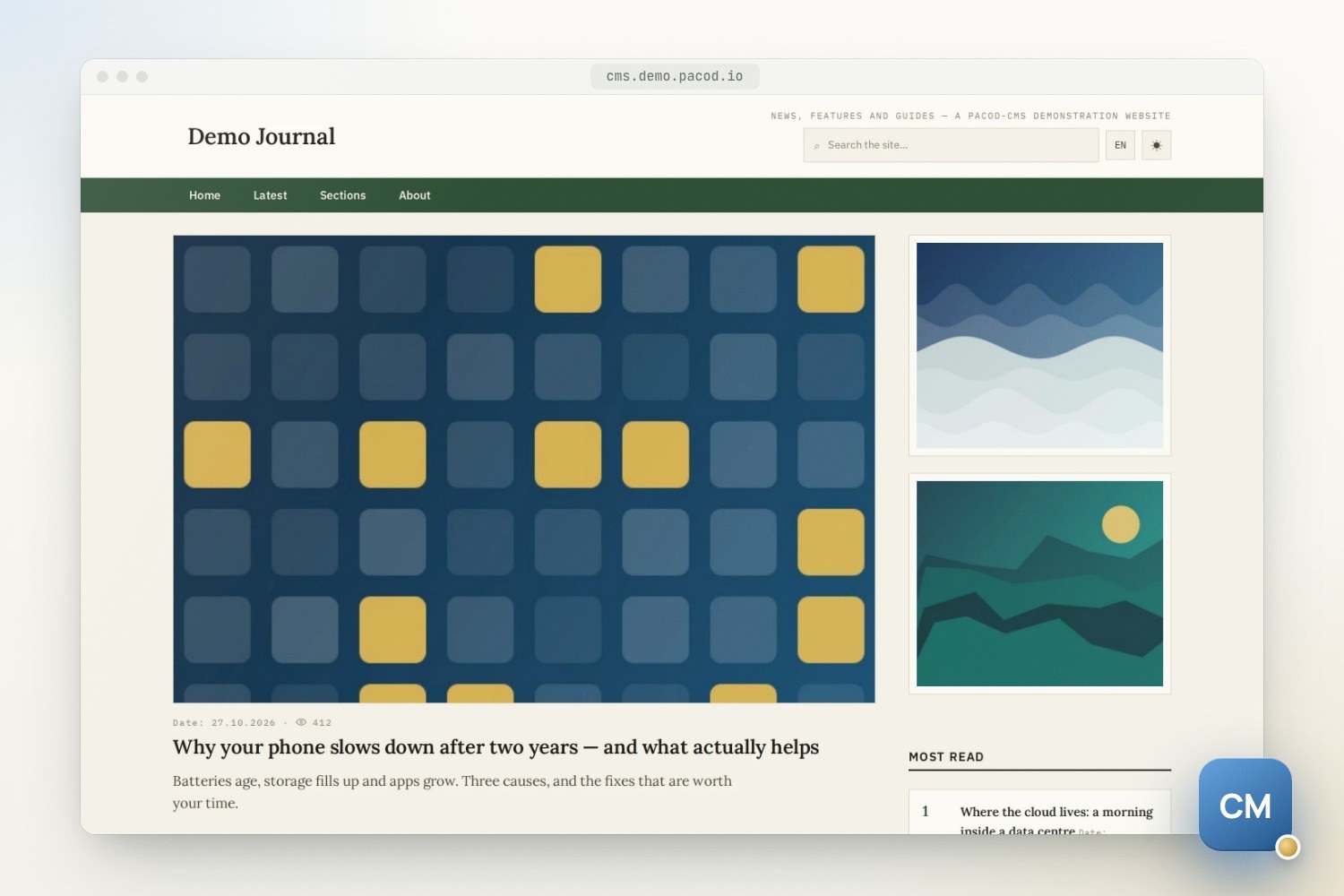
The magazine set is image-led. Its home page has four regions, and the new one, top, runs the
full width above everything else: a hero placed there renders as the cover story, a
photograph with the headline set over it. By default the latest articles follow as cards, with the
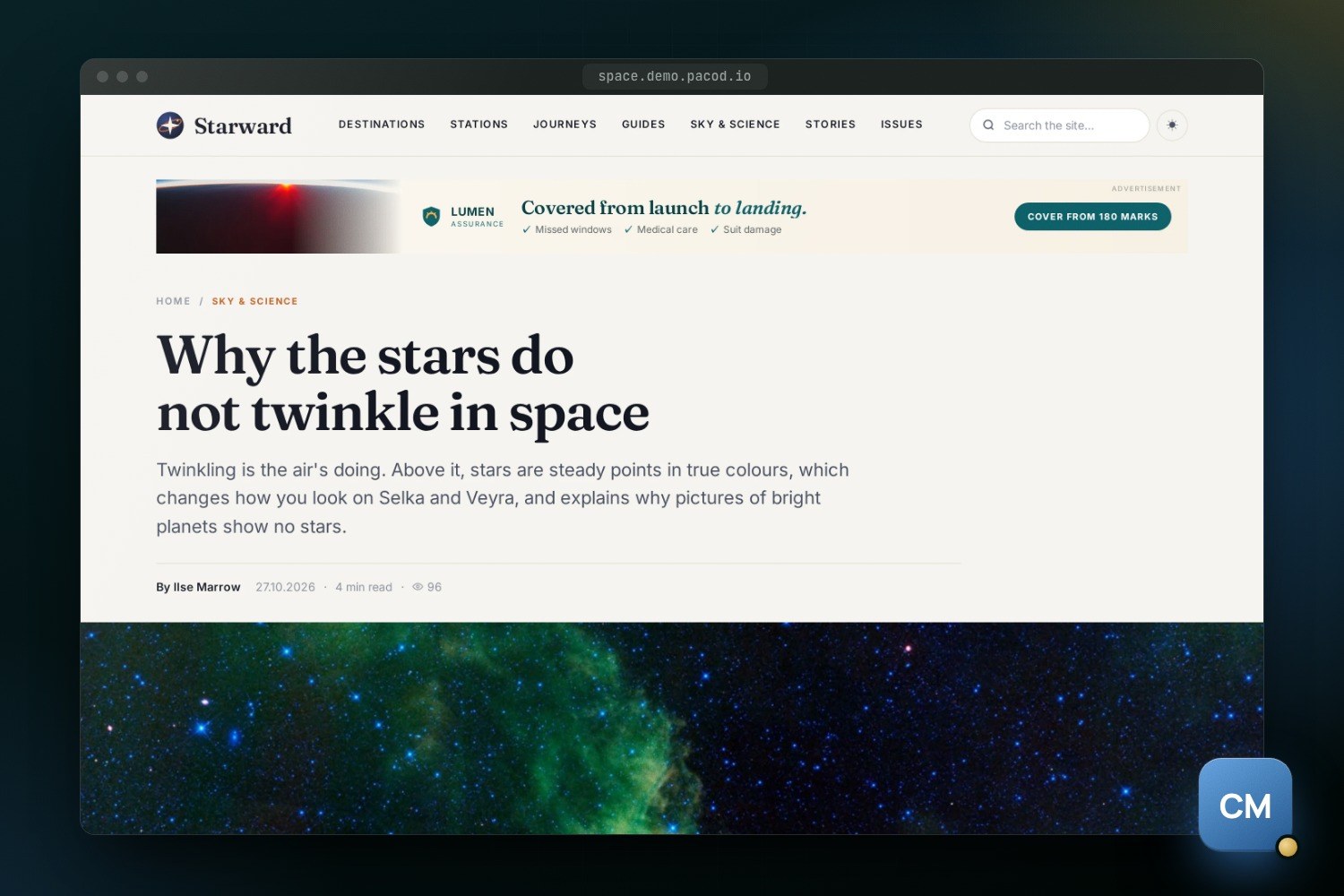
most read in the column beside them, and photographs are set in a mosaic. An article opens on its
headline and summary across the page, then its lead picture at full width with the caption and
credit under it; a byline gives the date and the reading time, and an author box closes the article. The
masthead is one sticky bar, and the footer is a dark panel.
It overrides only what it changes: the home, article, latest and list pages, the sections, the styles of the article lists, the navigation bar, the footer and the article view. Editorial's head, advertising boxes, standing pages, search, journal issues and print views stay, restyled by magazine's own stylesheet, which ties the colours editorial had fixed to the theme tokens.
The set brings two theme presets: Nightfall, ink and deep blue with an orange highlight, and Newsprint, black and white with a red one. Both set their headlines in Fraunces. The website itself serves Fraunces and Inter, both under the SIL Open Font License, rather than a font service, and the two have joined the fonts any theme may name.
Starward
Starward is written in English only. It has 24 long-form articles of 700 to 1,200 words, which between them use every styled block of the body: the lead, the callout, the pull quote, the key-facts box, two columns and the figure. It has five authors with their biographies, its own about, contact and advertise pages, menus, a layout for every page type, its theme, and two published journal issues. Its language list holds English alone, so the language switcher is hidden.
Its 37 pictures come from NASA, photographs and artist's impressions, captioned as the invented places of the Reach, each caption ending with its credit. The rule for what may be shipped is written down beside them: NASA imagery only, nothing credited to another agency, a company or a person, and no people, insignia, lettering, recognisable spacecraft or places on Earth. At install the pictures are fitted to the website's own image rule, at least 600 by 400 pixels in 3:2 and at most 400 KB by default. Each is cropped to the shape, then its quality and size are stepped down until it fits; one that cannot fit is refused, never stored to fail.
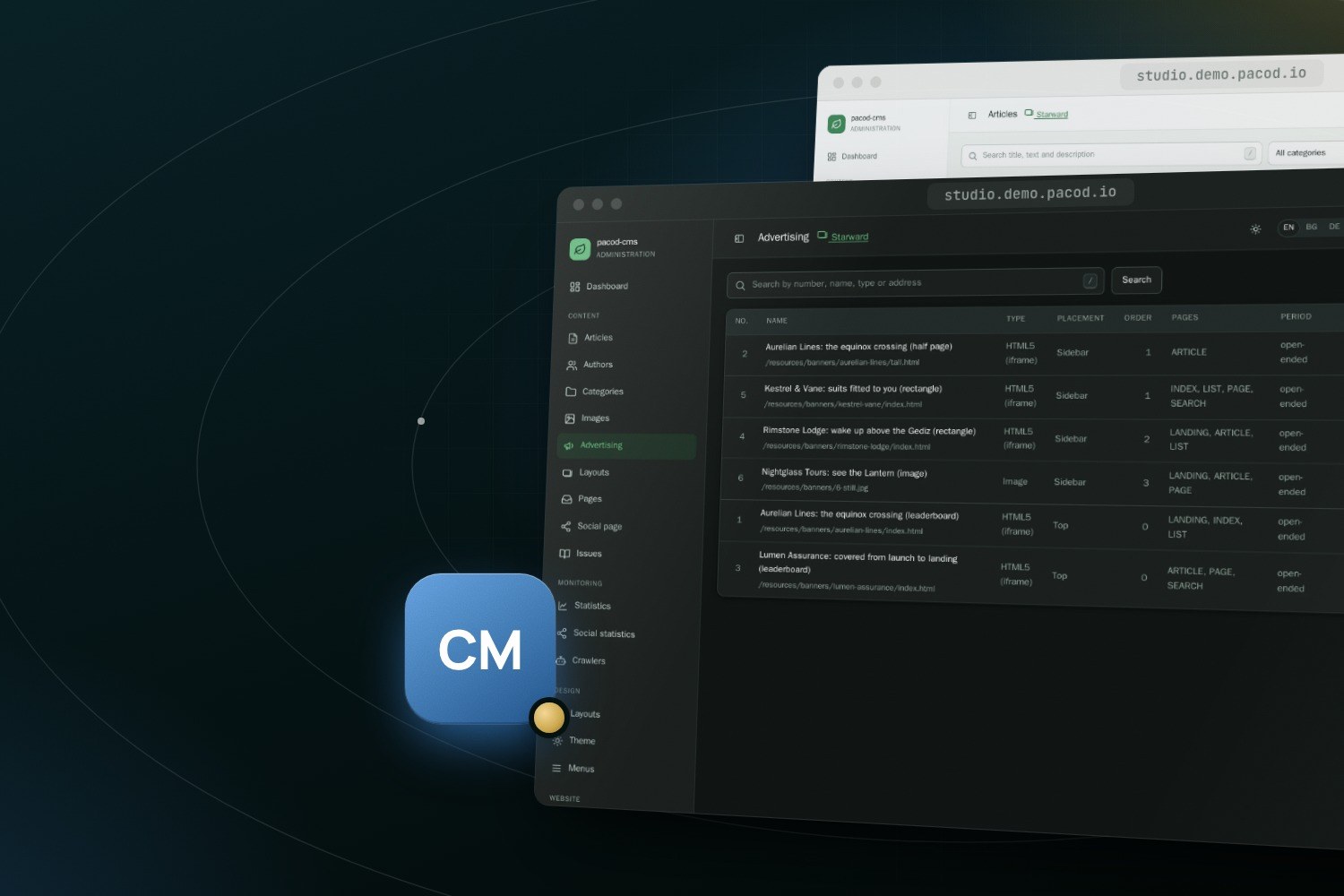
Every place, person, festival and advertiser in it is invented. Five advertisers (Aurelian Lines, Kestrel & Vane, Rimstone Lodge, Nightglass Tours and Lumen Assurance) have hand-written HTML5 creatives, imported as banner layouts and booked by placement and page. The creatives are fluid, stop their animation for readers who ask for reduced motion, use the website's own fonts, and link to the advertiser's page on the website itself. One advertiser runs a still image, rendered once from its HTML. Every name was checked against EasyList, EasyPrivacy and the Fanboy lists, so ad blockers do not hide them.
Try it
Starward runs in the live demo at
space.demo.pacod.io, and its studio is linked from
demo.pacod.io. On a fresh development stack, the studio creates it at
http://space.localhost:8000/. Another website can be given the same content from the command line.
Without TEMPLATE= it goes on the magazine set:
make site-create SLUG=stars NAME="Starward" HOSTS=stars.localhost DEMO=space
make seed SITE=<id> DEMO=space    # the same content, into a website without articles
Demo content is written only into a website without articles whose content language is English. A website that still has an older, thinner Starward therefore has to be deleted and created again to get this one. A run that stopped halfway is finished by running it again.
The product page describes the rest of pacod-cms. The guide to writing a template set of your own is docs/TEMPLATES.md in the repository. This website is a pacod-cms website on the same magazine set (how it was built).