Behind every PACOD product stands one identity service, pacod-id. People sign in once and reach the gateway console, the agent platform, the CMS studio, the knowledge base and the benchmarks with the same account. Machines sign in too, as service accounts. This post explains how it signs people in, why its tokens say who someone is but not what they may do, and how a product decides access without asking it on every request.
One account pool, many brands
pacod-id exists so that no product has to run its own passwords, account mails and admin pages.
There is one account pool, and a person's sub is the same everywhere. What differs from product
to product is how sign-in looks and who may do what there.
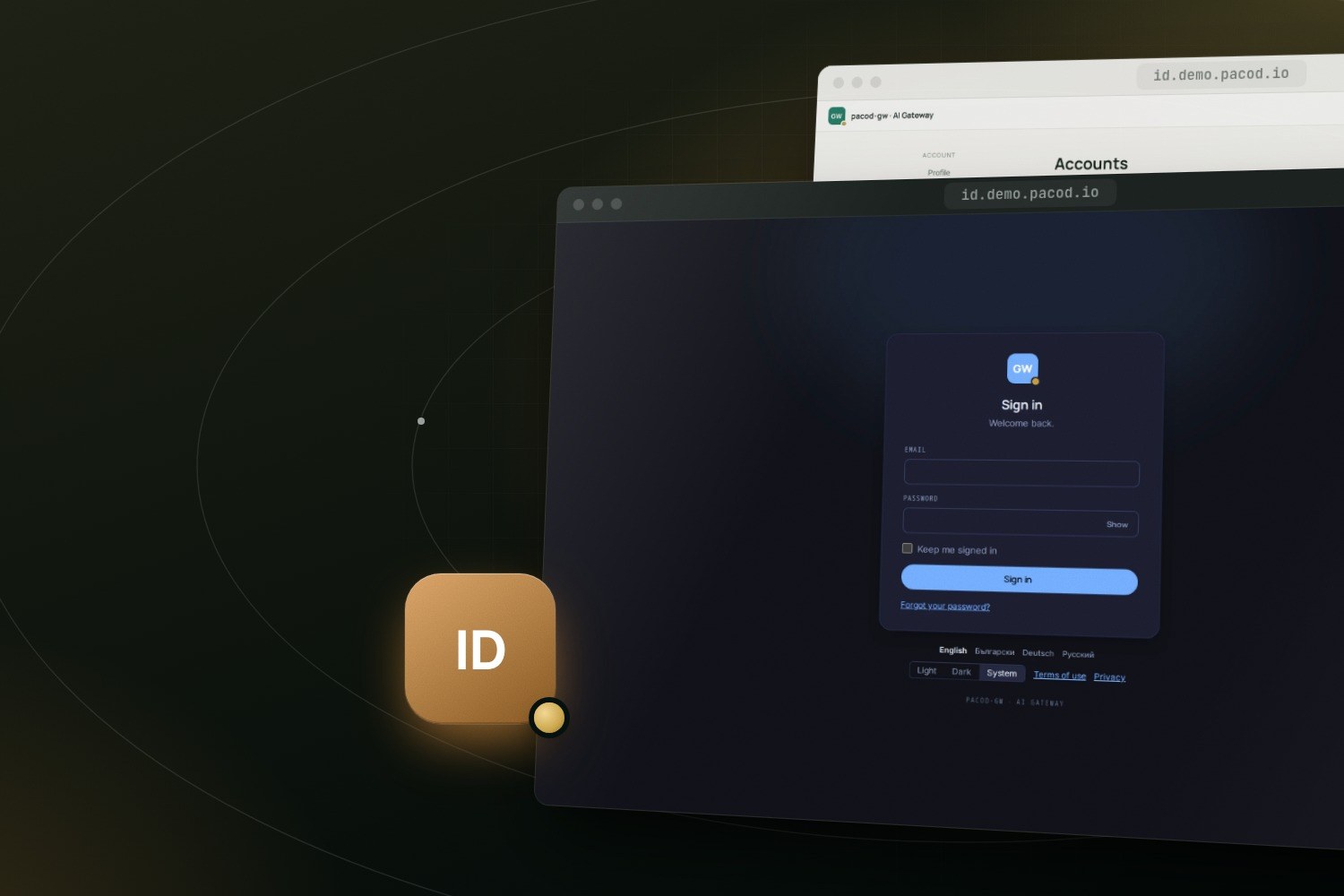
A realm is one issuer host with its own brand, sign-in cookie, languages and policies: password minimums, session length, whether anyone may sign up. pacod-id picks the realm from the request's host, so two realms can share one account pool and still look like two products. The brand belongs to the realm, not to the application that sent the person. The live demo runs one realm for every product and gives it the gateway's brand, which is why its sign-in page carries the pacod-gw mark even when you arrive from the CMS or the knowledge base.
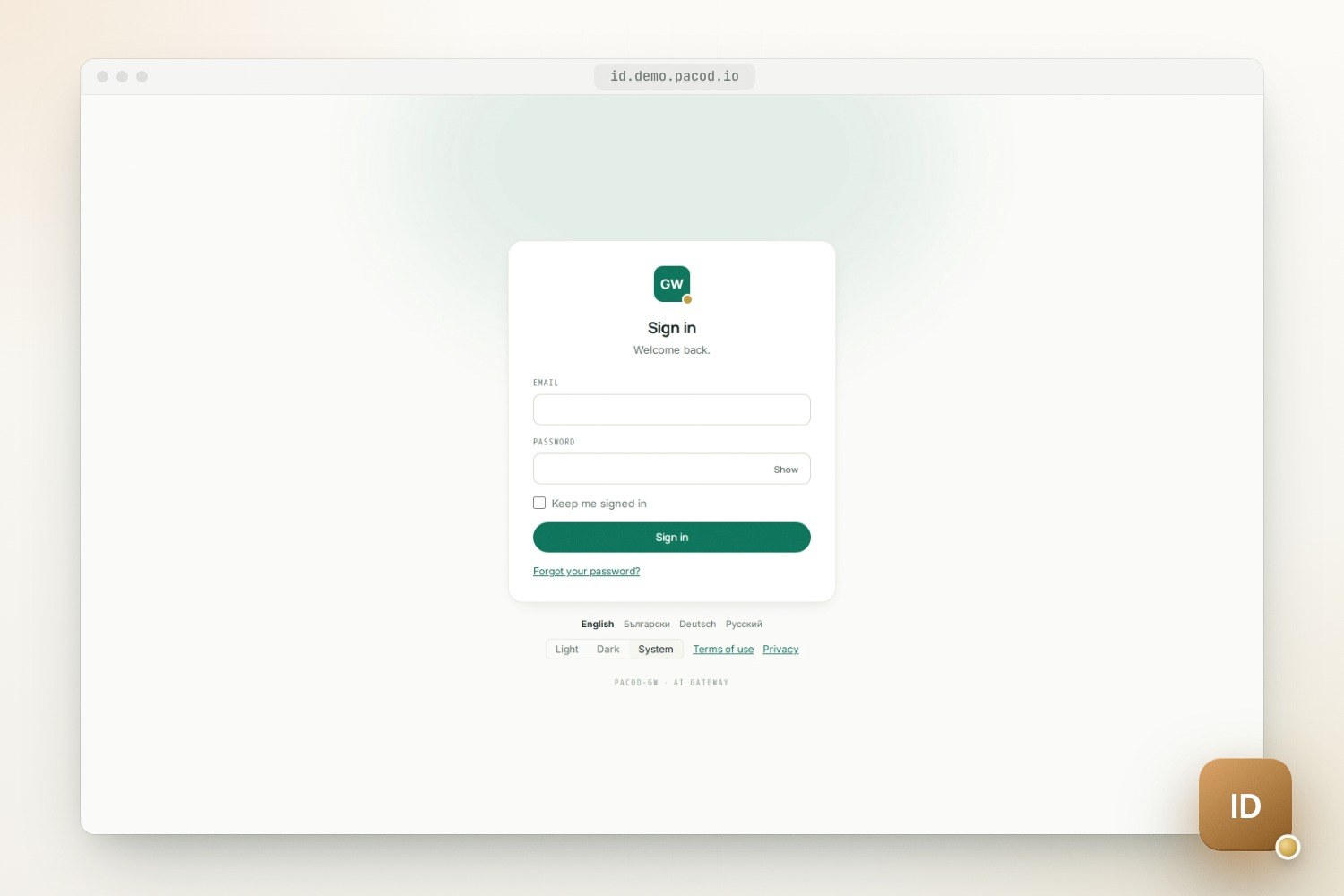
It is an OpenID Connect provider for your own, first-party applications. Every client is listed in the configuration: there is no dynamic registration and no consent screen. Only the authorization code flow is offered, with PKCE (S256) required of every client, confidential ones included. A sign-in goes like this:
- The product's server sends the browser to
/oidc/authorizewithstate, anonceand a PKCE challenge. - pacod-id finds the realm, checks that the client belongs to it and that the redirect URI matches
a registered one exactly. A live session gets a code at once; otherwise the browser goes to the
hosted
/loginpage, which already wears the realm's brand and language. - The person signs in. Throttles kept in PostgreSQL count every attempt before the password is hashed with Argon2id, and an unknown address gets the same answer as a wrong password.
- The browser returns with a code that lives 60 seconds and works once. The product redeems it, usually on pacod-id's internal listener, for an access token, an id_token and a refresh token.
Tokens without roles
Access tokens are JWTs (RFC 9068), signed with RS256 or ES256 and valid for 5 minutes by default. They say who, in which session and with which scope, and they carry no roles. Refresh tokens are opaque and rotate on every use. One presented again within 30 seconds gets the same successor, so two tabs can refresh at once; an older one ends every session of the account and mails its owner. Token exchange (RFC 8693) lets a product's service act for a person, within that person's rights.
Roles stay out for two reasons. A role taken away should stop counting at once, not when a token expires. And the question a product asks is rarely "is this person an admin?" but "may this person change this workspace?", which needs to know where the role is held.
So roles live elsewhere. Each product pushes a manifest at every start: its scope types, its
roles and their permissions, and who may grant what. Scopes form a tree, from platform through an
organisation down to the product's own types. Here is part of the gateway's:
product: gw
scope_types:
  workspace: { parent: organisation }
roles:
  workspace_admin:
    at: [workspace]
    permissions: [workspace.manage, workspace.read, audit_records.read]
  viewer:
    at: [platform, organisation, workspace]
    permissions: [org.read, workspace.read]
grant:
  default: members.manage
A binding is a role held at one scope, such as gw.viewer at gw.workspace:ws_1, and its
permissions apply downward: a viewer of an organisation sees every workspace in it. pacod-id
stores the bindings and checks every change against the manifest: giving a role needs its grant
permission at that scope, and a protected role, such as the gateway's platform admin, never loses
its last holder.
The rules engine that answers allowed, has_role, touches and can_grant exists in Rust,
TypeScript and Python, and all three pass the same YAML test vectors. The vectors are the
specification, so a decision is the same whether a product's Rust core, its Python service or its
SvelteKit console makes it.
Decide access locally
Each product keeps its own copy of the bindings and follows the changes:
- At start it loads a snapshot: its catalogue, the organisations and its scopes, the bindings of its roles, disabled and deleted accounts, and recently revoked sessions, all as of one sequence number.
- It then long-polls the changes after that number, waiting up to 30 seconds per call. The
answer comes as soon as something changes: PostgreSQL
LISTENwakes the waiting request. - Changes are kept for 7 days. A cursor older than that gets a 410, and the product loads the snapshot again.
On the wire, a product's service asks the internal listener, with a token from its client credentials, and gets an answer like this one, shortened:
curl -s -H "Authorization: Bearer $SERVICE_TOKEN" \
  "http://pacod-id-internal:8071/internal/v1/authz/changes?product=gw&after=1842&wait=30"
{
  "seq": 1843,
  "events": [
    { "seq": 1843, "kind": "binding.removed", "principal": "usr_0191…", "role": "gw.viewer",
      "path": ["platform", "organisation:org_1", "gw.workspace:ws_1"] }
  ]
}
The Rust and Python client libraries do all of this in their bindings cache, and every access token
carries its session's sid, which a product refuses as soon as the feed reports the session ended.
Measured with make measure on one developer machine, a change reached a waiting follower with a
p99 of about 10 ms. That is pacod-id's own share; the products aim at two seconds from sign-out to
refusal, and each product's follower decides whether it gets there.
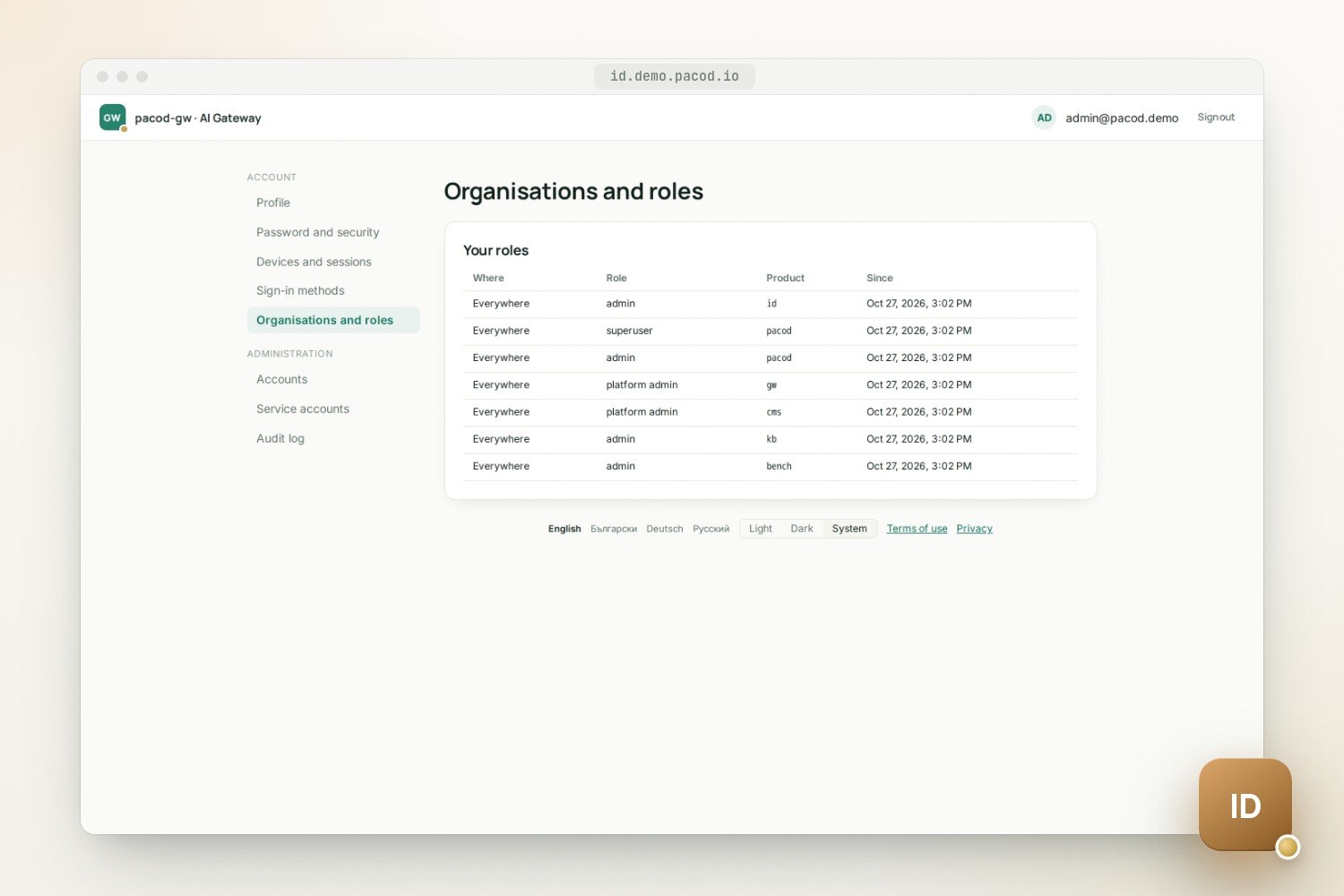
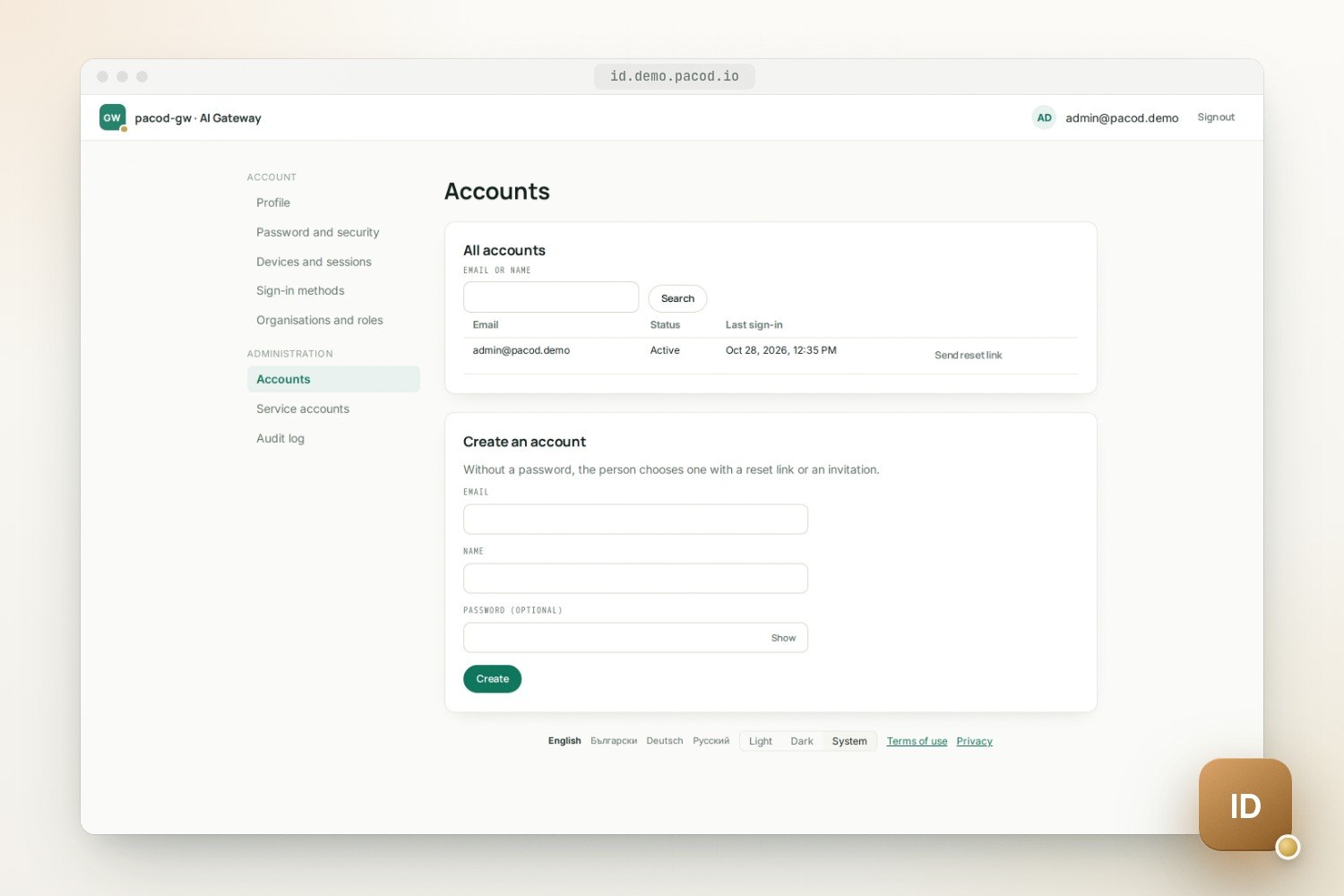
pacod-id's own pages cover the rest of an account's life. People change their password, see and end their sessions, see how they sign in (and unlink Google, while a password remains), and see their roles. Administrators manage accounts, service accounts and their tokens, and read an audit log kept for 400 days. A realm can let a product's admins manage the accounts that signed up in it, but only accounts whose every role they could have given themselves, so a product's admin cannot take over an identity admin.
Behind those pages: passwords hashed with Argon2id and checked against a blocklist of common ones;
signing keys sealed under a key-encryption key and rotated every 90 days; refresh tokens and mail
links stored as SHA-256, service tokens as HMACs. In the full pacod stack the internal listener is
bound to an alias on pacod-admin-net, a network only the products' servers join. The image is a
static binary on distroless, run as non-root, without a shell.
Try it, and what is missing
make test-services   # the tests' PostgreSQL
make verify          # formatting, lints, type checks and every test: Rust, TypeScript, Python
make e2e             # the hosted pages and fixture apps in a real browser
To run the image instead, make image and then make compose-up. That starts a development stack
on 127.0.0.1 only: a realm with sign-up open at http://127.0.0.1:26070, a mail sink at
http://127.0.0.1:26026 that catches every mail, and a stand-in for Google. Open /signup to make an
account and confirm it from the mail sink. The first administrator, admin@pacod-id.dev.test,
finds its generated password in deploy/compose/.env and opens the admin pages at /admin.
What is not there yet: 0.1.0 has not been released, and upgrades, backup and restore have not been exercised. The Helm chart passes its lint and schema checks but has not been installed on a cluster. There is no MFA and there are no passkeys yet, so the admin pages act on the session cookie without asking for a recent sign-in. The OpenID Foundation's conformance suite has been run locally, with no failed condition in the Config, Basic and RP-Initiated Logout plans, but local runs are not a certification.
The product page has every step of a sign-in, the threat model's controls and the configuration. The code, the runbook and the API reference are in the repository, and the live demo signs every product in through one pacod-id realm.