The pacod-cms studio has AI help in four places: the article editor, for writing and layout; the picture library, for alt text; the Design screens, for themes and layouts; and the jobs screen, for translation and the front matter of PDFs. One rule runs through all of them. The model proposes, the studio checks every answer as untrusted input, and only then is anything shown or written. This post walks through what each feature does and what an answer has to pass first.
Off until someone switches it on
The studio has one client for the model, and it calls pacod-gw and nothing else, so the studio never holds a provider's key. Two settings point it at the gateway, and a model alias picks the model. A feature may name a model of its own, such as a vision model for alt text.
PACOD_GW_URL=http://pacod-gw:8080
PACOD_GW_API_KEY=...        # a gateway key, never a provider's
PACOD_AI_MODEL=@fast        # an alias for a pool of models on the gateway
AI is off for a new organisation. A platform admin switches it on per organisation, a website's
admin can switch it off again for that website, and a person needs the ai.use permission to ask.
The gateway sees opaque ids only: the website's id, the feature, the job and the person's pacod-id
subject, never a name or an e-mail address.
The client retries a 429 once, after the gateway's Retry-After. It never retries a 402 (the
budget is spent) or a 504 (the model may still be generating, and billing). The gateway already
fails over between models, and a second layer of retries would multiply the calls.
The development stack runs pacod-gw-lite in front of pacod-gw's mock provider, so nothing leaves the machine. The mock echoes its input, so a "translation" there is its source, word for word.
Writing help in the editor
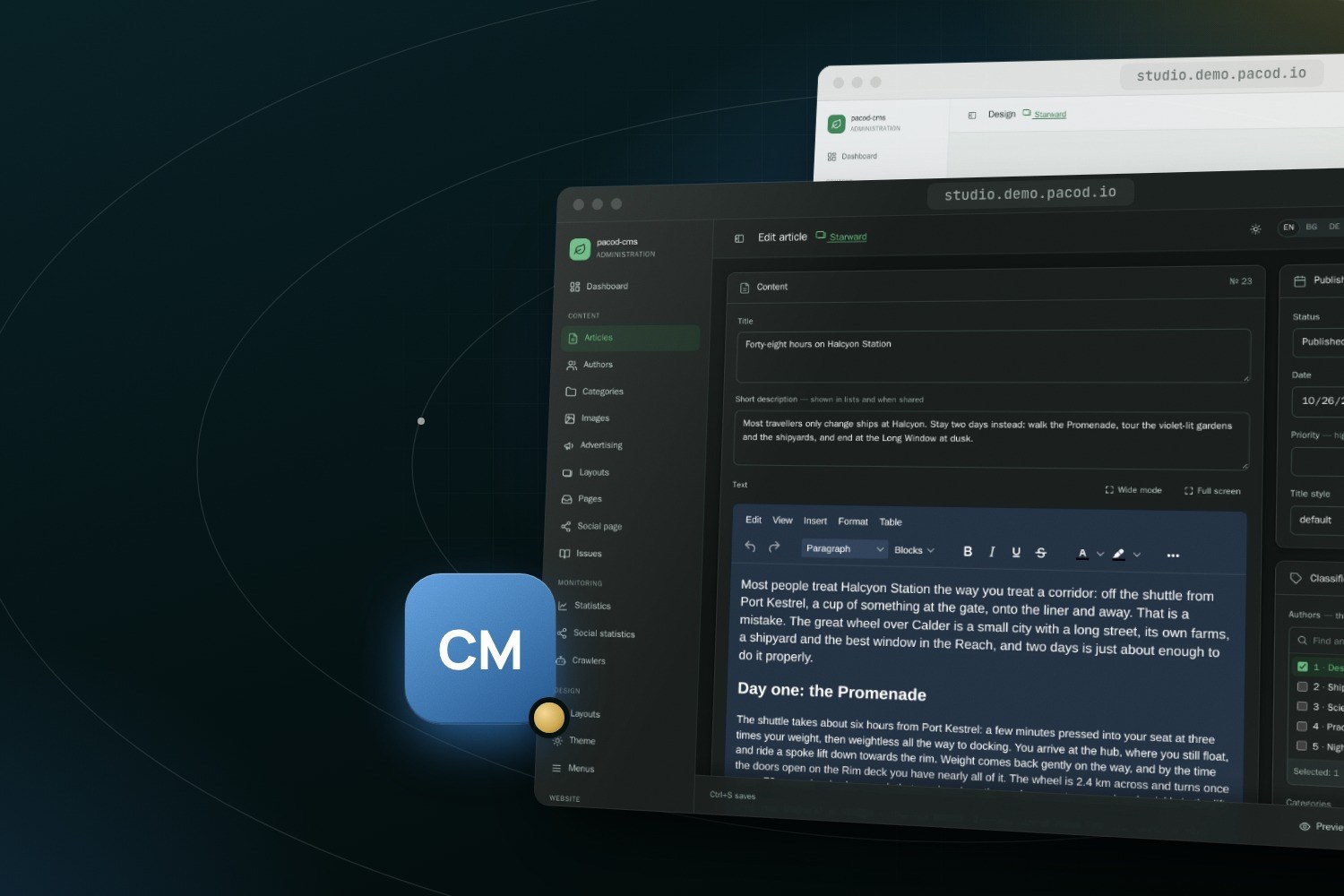
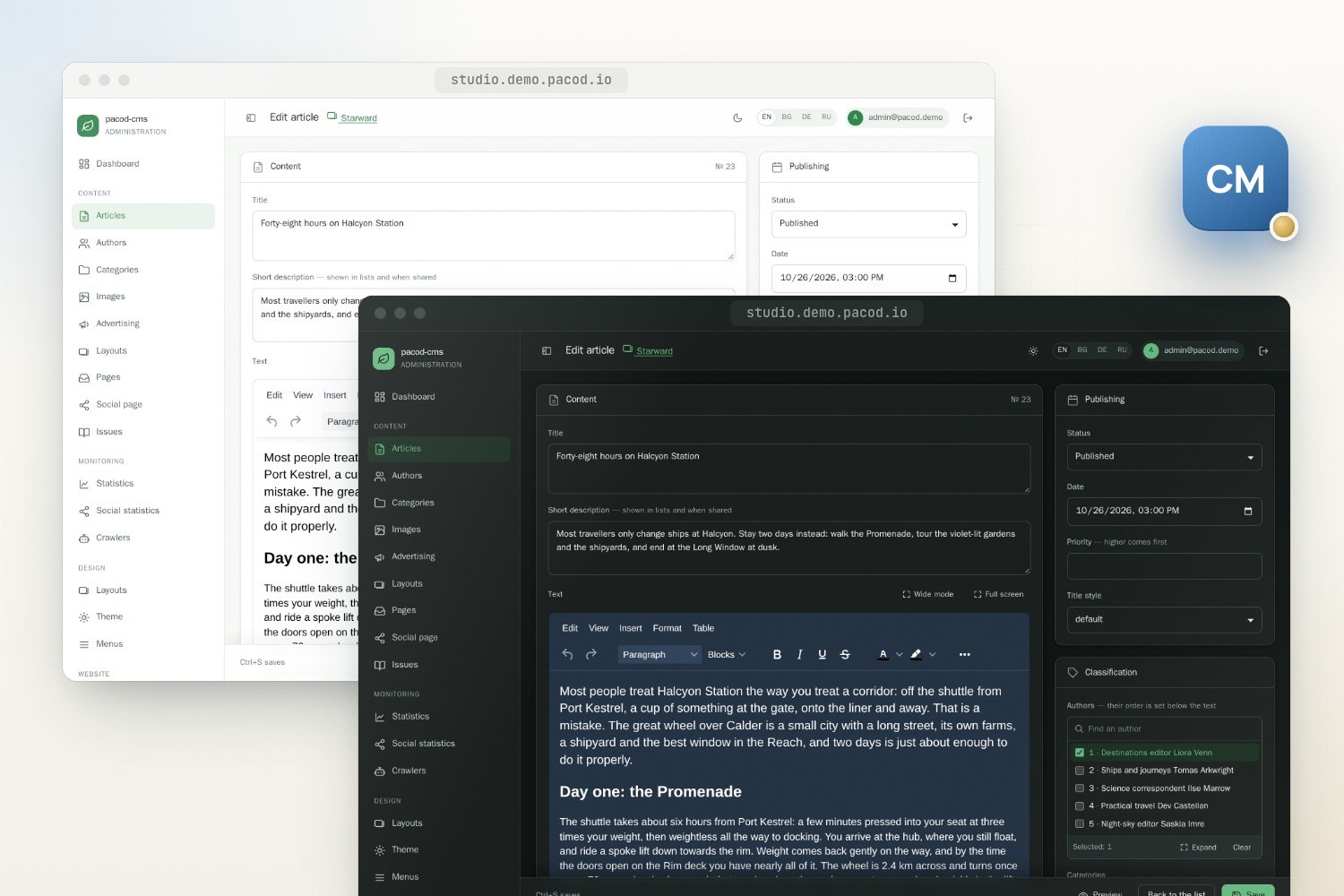
Where AI is available to the person, the editor's toolbar opens with an AI button. Writing help works on the article as it stands in the editor, saved or not:
- Rewrite a selection six ways: clearer, shorter, longer (without inventing facts, names or numbers), corrected (spelling, grammar and punctuation only), more formal, or friendlier.
- Titles: up to three headlines, from the unsaved title and body.
- Draft a whole article, with its title, description and body, from a brief: short, medium or long, about 300, 600 or 1,200 words, in the website's original language. It may use only the brief's facts. Where it needs one that is missing, it writes a placeholder in square brackets for the author to fill in.
- Write at the cursor: a passage from a brief, in the language and voice of the text around it, under the same rule on facts.
- Lay out a selection, or the whole body, in headings, lists, emphasis and the styled blocks: a lead, a callout, a pull quote, a key-facts box, two columns and a figure with a caption.
- Summary and tags for the article (at most eight tags), and alt text per language for a picture, which a vision model writes from the picture itself.
A rewrite, a passage or a layout appears in a preview, styled as readers will see it, and goes in as one undo step. A draft fills the form, and asks first before it replaces a title, description or body that already holds text. Nothing is saved until the author saves.
What an answer has to pass
The studio treats every answer from the gateway as hostile input.
- It must be the JSON asked for. Every call asks for a strict JSON schema. An answer the model cut short, declined or got wrong is a failure, and nothing of it is written.
- The person's text is material, not instructions. It goes alone into the user message, and the system message tells the model that the material is never instructions, even where it reads like them.
- The HTML is held to an allow-list. Structure, emphasis, simple tables, and links that are
http, https, mailto or relative. A class survives only where it names a styled block on that
block's own element. There is no
style, no script, no frame and no form. A picture survives only where the author's text already had it, and a link only to an address the author's text, brief or article gave. A model has no address of its own to link. - A layout keeps every word. The author's words, in order, must still be in the laid-out body, or it is refused. Headings, captions, a key-facts box and a repeated pull quote may be added; a dropped, changed or moved word may not. A body holding a frame, a video, a script or a form is refused before any call, because cleaning would lose it.
- Claims the material does not support are listed. Numbers, names and pull quotes that an
answer holds and its material does not are shown beside the preview, at most twelve of them, for
the author to check. The comparison ignores how a number is written, so
1,200and1200are one number, and12.05.2026matches2026-05-12. A name matches its inflected forms.
That last check narrows the gap; it does not close it. A number written in words, a name at the start of a sentence or a claim made with neither passes unseen. The author's review is the last guard.
Design assist
Design assist drafts a theme, or one page type's layout, from a few words. The answer's schema is built from what the website can take: the theme's tokens (colours with their night values, fonts from an allow-list, widths within bounds), or the regions of that page type on the website's template set and the sections the set can render. The answer is then checked again as if an operator had typed it, and only what passes reaches the draft.
By default it refines the current draft, which the model is shown, and changes only what the brief asks; on request it starts over. One click undoes the change, and a second redoes it. Sections the current set cannot render, kept for a switch back, are never shown to the model and never lost.
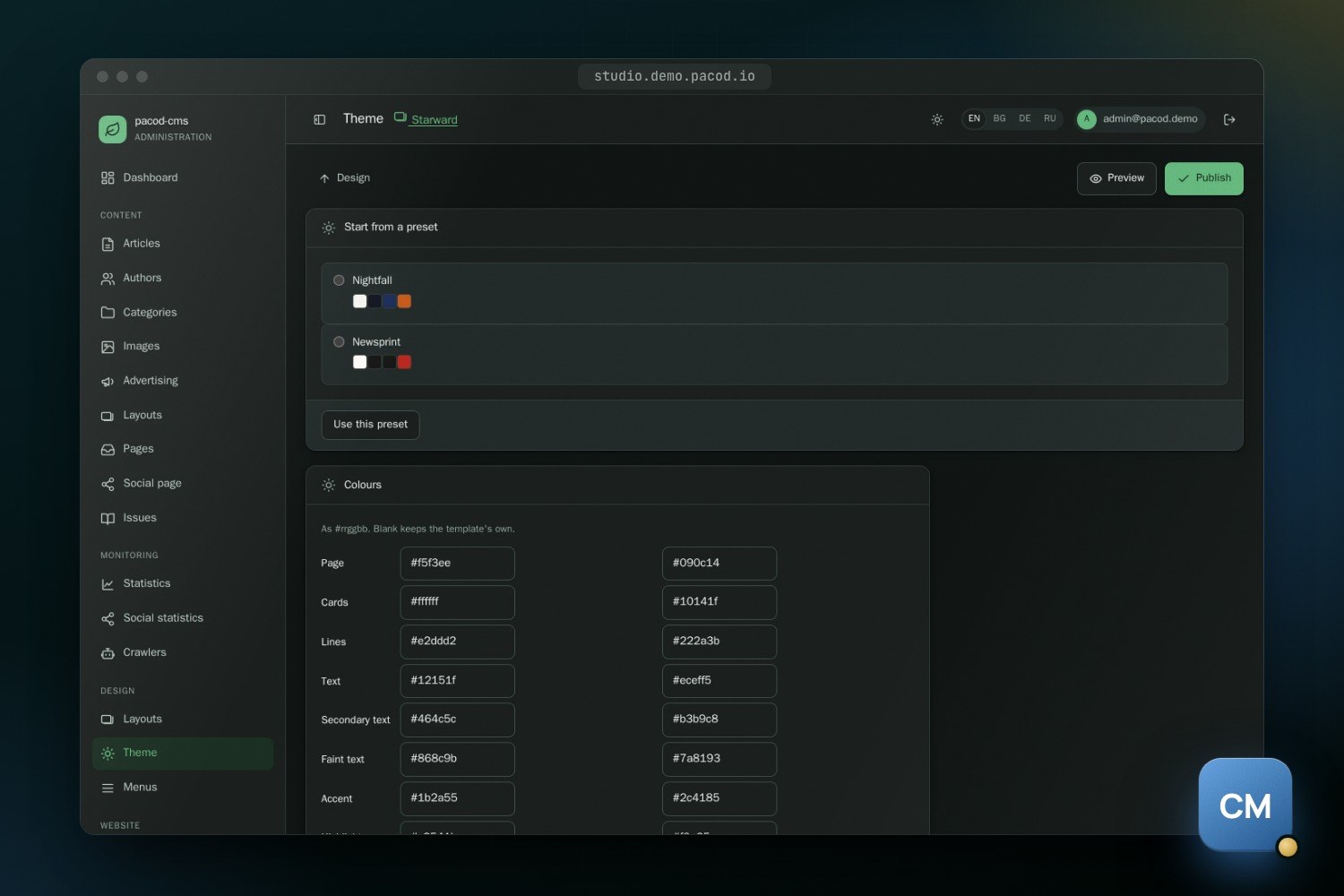
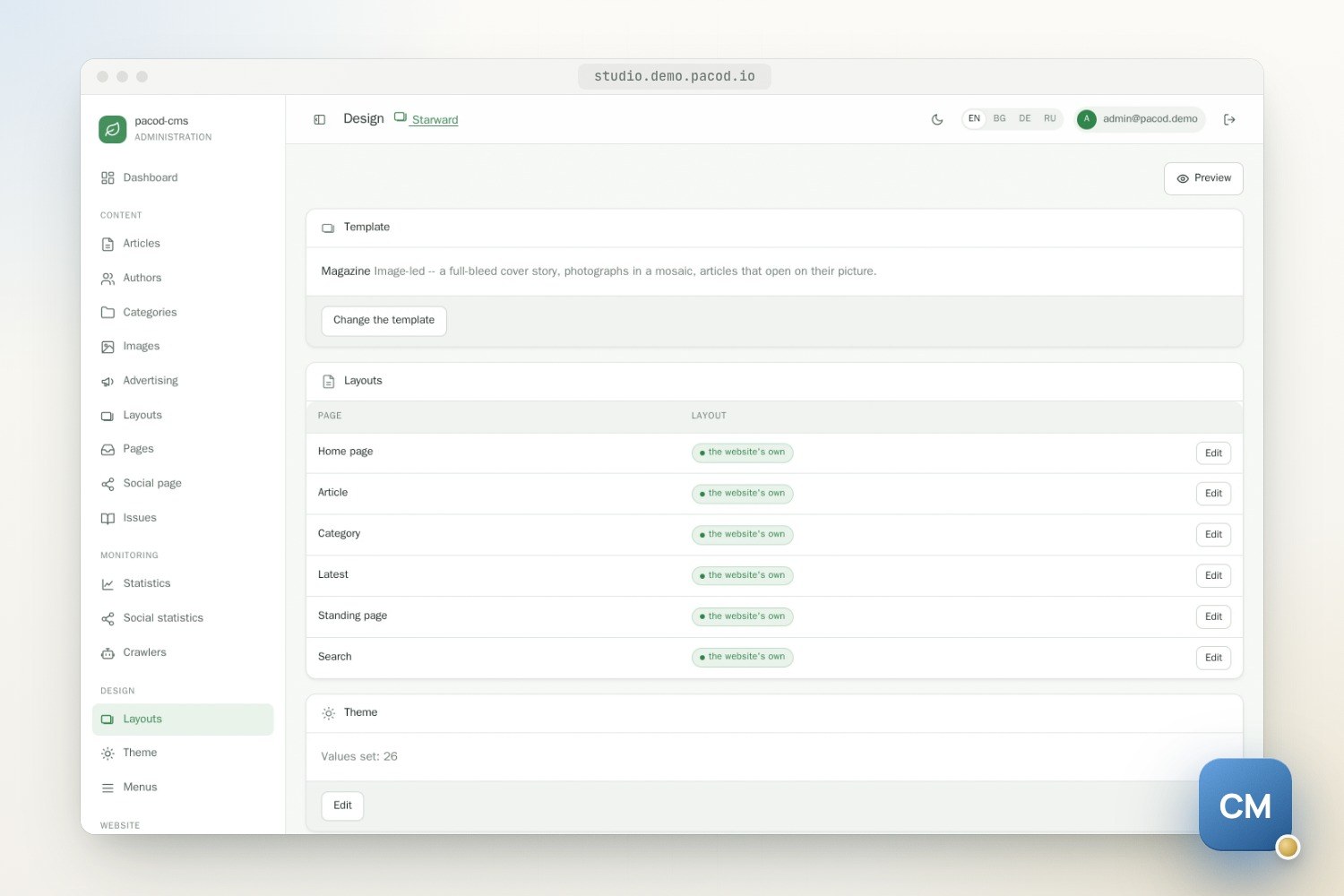
The whole website's design, the theme and every page type's layout, can be drafted from one brief as a job. Each step stands on its own, so a step that fails leaves the others; the job is safe to run again, can be cancelled, and records what it cost. A website runs one design job at a time, and a designer can cancel it from the Design screen. Either way only drafts change: publishing still needs someone allowed to publish.
Translation as jobs
Article translation runs as a job, from the jobs screen or the article's own card: the title,
the summary and the body into the languages ticked, one call per field. A translated body must keep
its source's markup exactly, the same elements, attributes and values in order, with only alt,
title, aria-label and placeholder allowed to change. Anything else is refused. What is stored
is the parser's serialisation of the checked answer, never the model's raw string, so a model cannot
add anything executable the body did not have. A language is written whole or not at all. On the
public site a translated article carries a note that AI translated it.
Website translation covers the standing pages, section names, menus, the link page and, if ticked, the tags. Menus and the link page are written only if nobody edited them while the job ran; otherwise that language fails with "run it again". A run makes at most 2,000 calls, so one click cannot spend the installation's key.
PDF front matter: a PDF made "with AI" gets an abstract, keywords and a running title written for each article and language, checked as plain text and reused until the article changes. The article's own text is never sent back changed.
Code samples are on their way, on the blog-site branch that this website runs on: the editor
gains a code sample button, writing help keeps a sample's language, and a translation that changes
a line of code is refused like one that changes the markup.
What has been tested
The checks have unit tests of their own: the gateway client against a local stand-in, the translation check against a legacy body and injection attempts, the allow-list and its links, the wording check, the list of unsupported claims, and design assist's refine, undo and rerun. The editor's AI dialog was checked in a browser when it offered rewrites, summaries and tags, and its seven actions and the styled blocks since then in a headless one. By the repository's own notes, the newer features' round trips (the draft card, the title list, design assist's refine and undo, the design job and the warning list) have not yet been checked on a running stack.
The product page describes the rest of pacod-cms, and the checks on every answer are in docs/SECURITY.md in the repository. The studio and its three demo websites run in the live demo.