Each PACOD project runs on its own, with its own copies of what it needs: a database, an edge, a
sign-in, a gateway. That is the right way to try one, and the wrong way to see what they add up
to. pacod-demo is the other way round: it puts the six products on one machine as one platform,
with one of each shared component, from one configuration file and one make. This post covers
what it runs, how it is put together without editing a single product file, the nightly reset
that keeps the public demo clean, and how to start it yourself.
What it runs
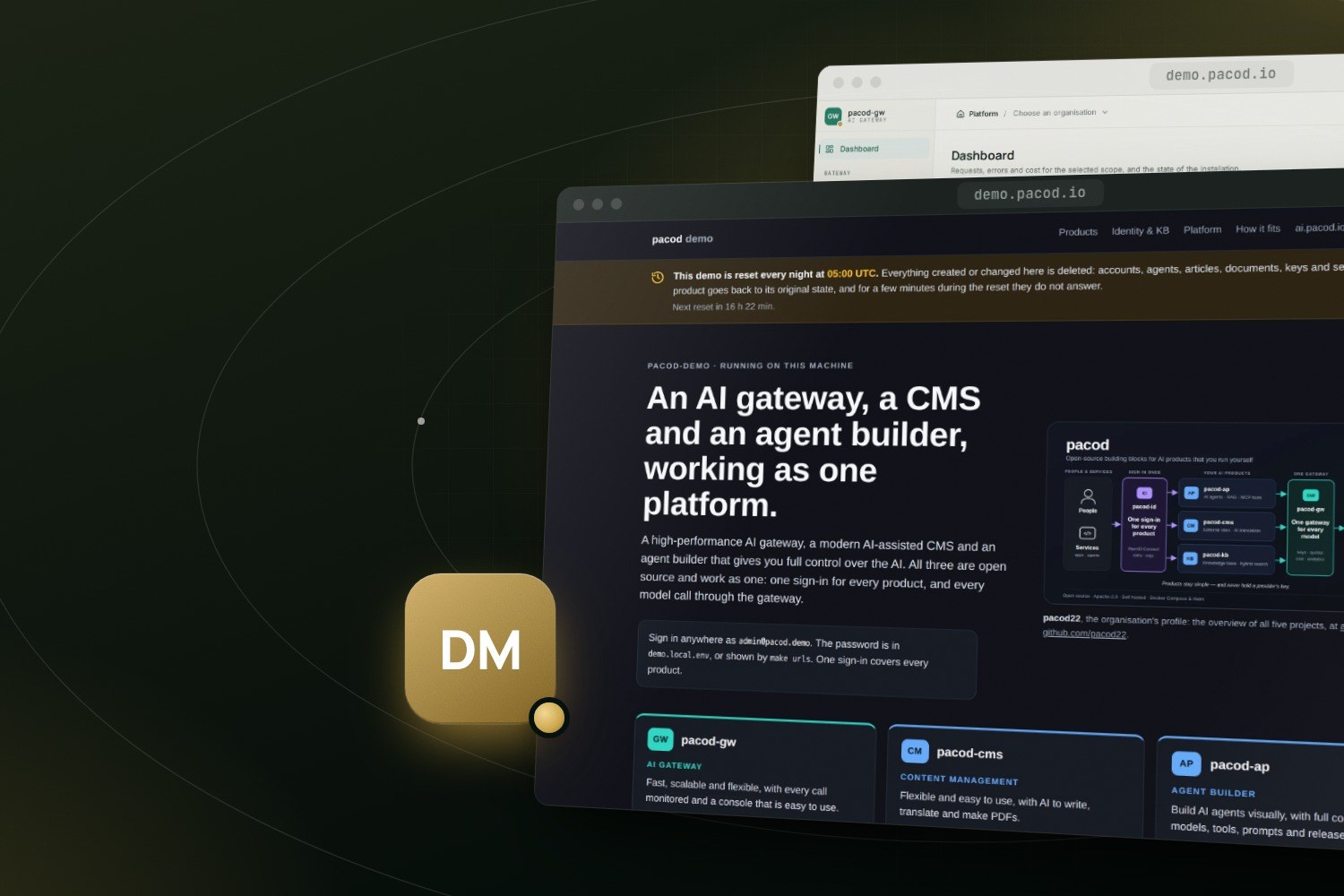
The demo is live at demo.pacod.io. Its home page is the way in: every product, with what it is, a screenshot, and the links to its administration and its websites. A band under its header says when the next reset comes, in the visitor's own time zone.
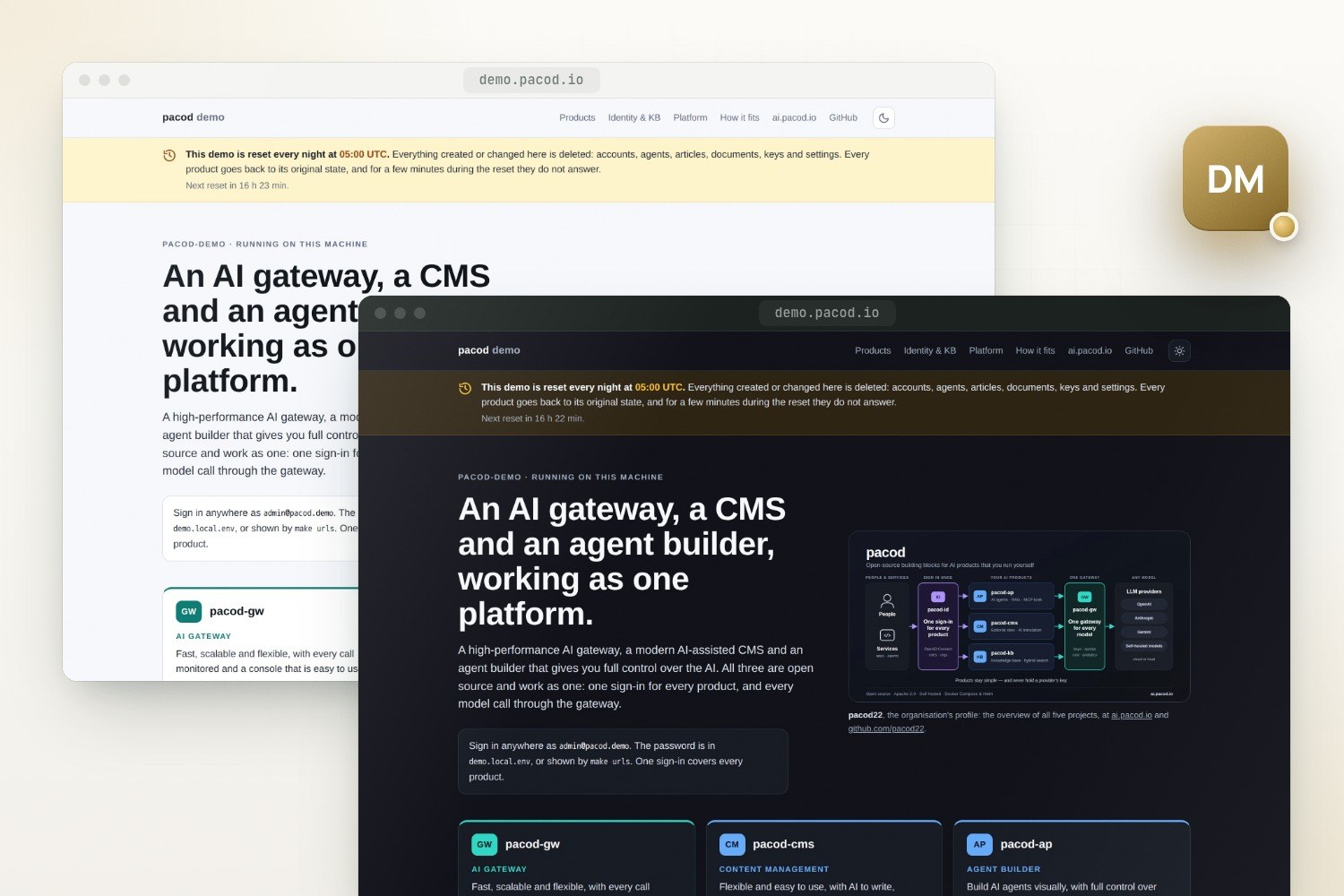
Behind it, each product answers on a subdomain of its own, all through one Caddy:
| Address | What |
|---|---|
app.demo.pacod.io |
The agent platform, pacod-ap: its website, chat with the starter agent, and the admin console |
console.demo.pacod.io |
The gateway console, pacod-gw: providers, models, keys, usage |
gw.demo.pacod.io/v1 |
The gateway's OpenAI-compatible API |
studio.demo.pacod.io |
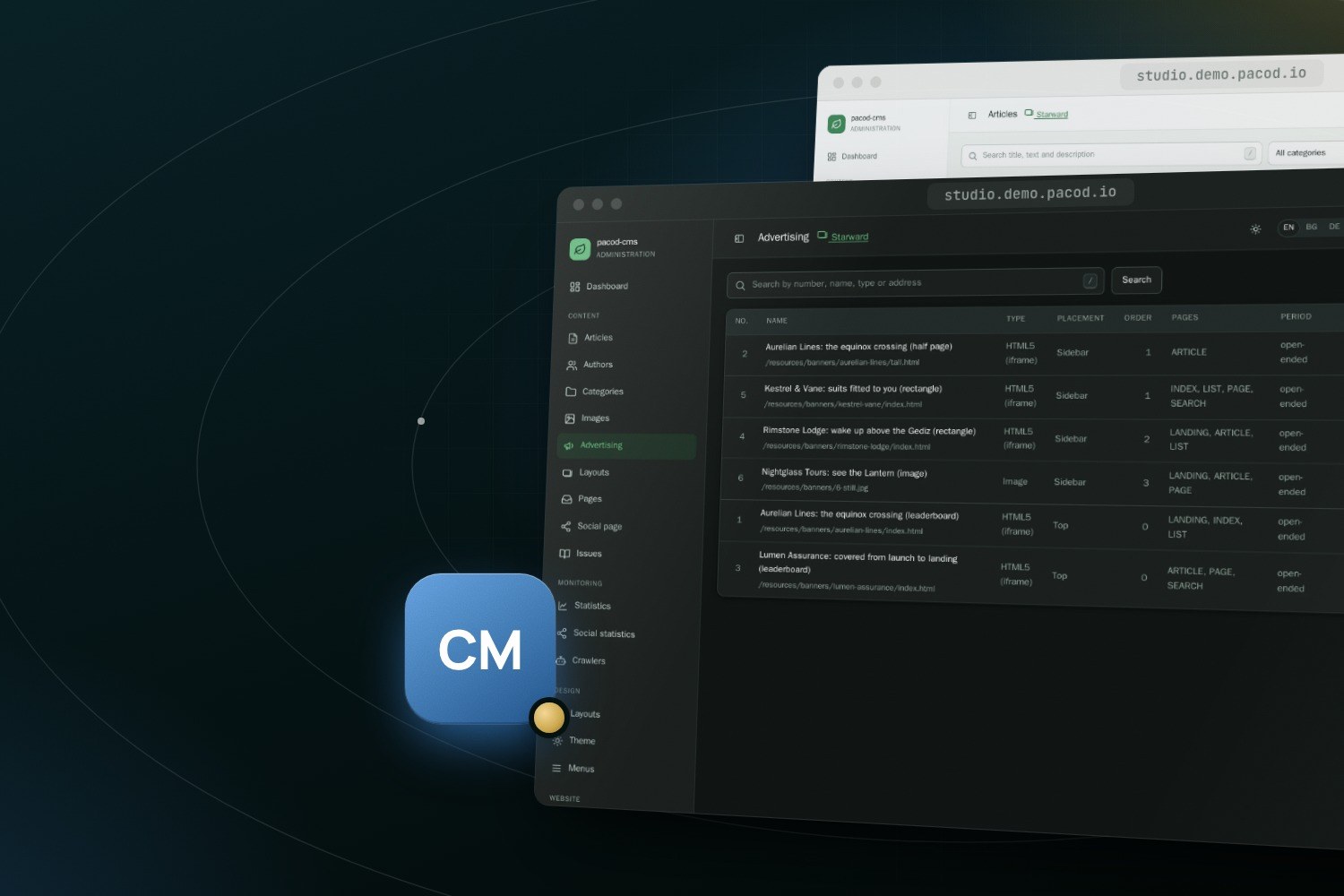
The CMS studio, pacod-cms |
cms.demo.pacod.io |
Demo Journal, a CMS website; Demo Notes is at minimal., Starward at space. |
kb.demo.pacod.io |
The knowledge base, pacod-kb |
bench.demo.pacod.io |
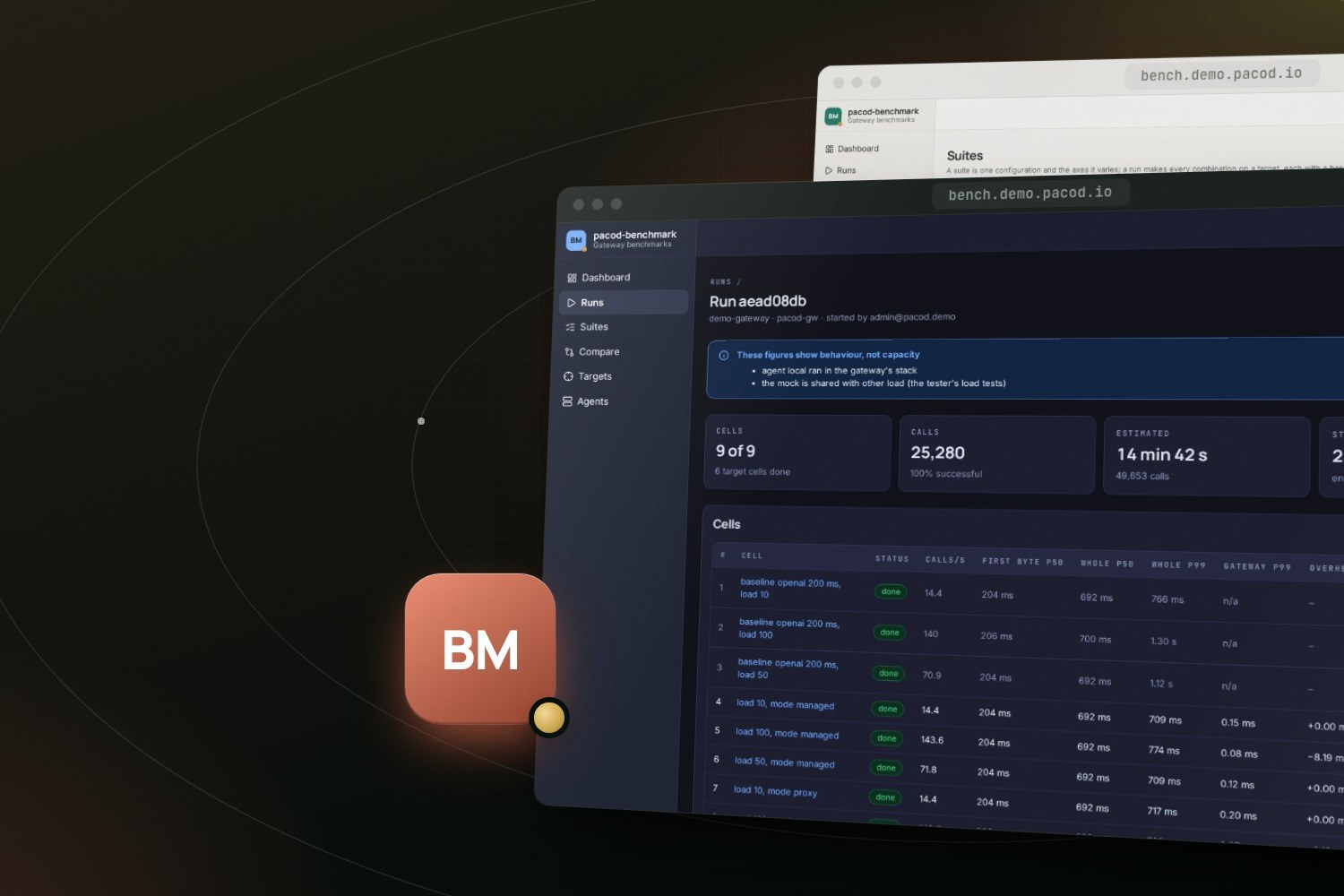
The gateway's benchmarks, pacod-benchmark |
id.demo.pacod.io/admin |
Identity administration, pacod-id |
grafana.demo.pacod.io |
The dashboards of every product |
One sign-in covers every product: signing in to one signs you in to all of them, because every product is a client of the same pacod-id realm. Nobody signs up on the demo: accounts come from the administrator and by invitation, and the home page and the websites are open to everyone. Every model call any of them makes goes through the one gateway, which keeps the provider keys, prices the call and counts it. With no provider key configured, the gateway's mock provider answers instead, so nothing leaves the machine and chat answers are canned.
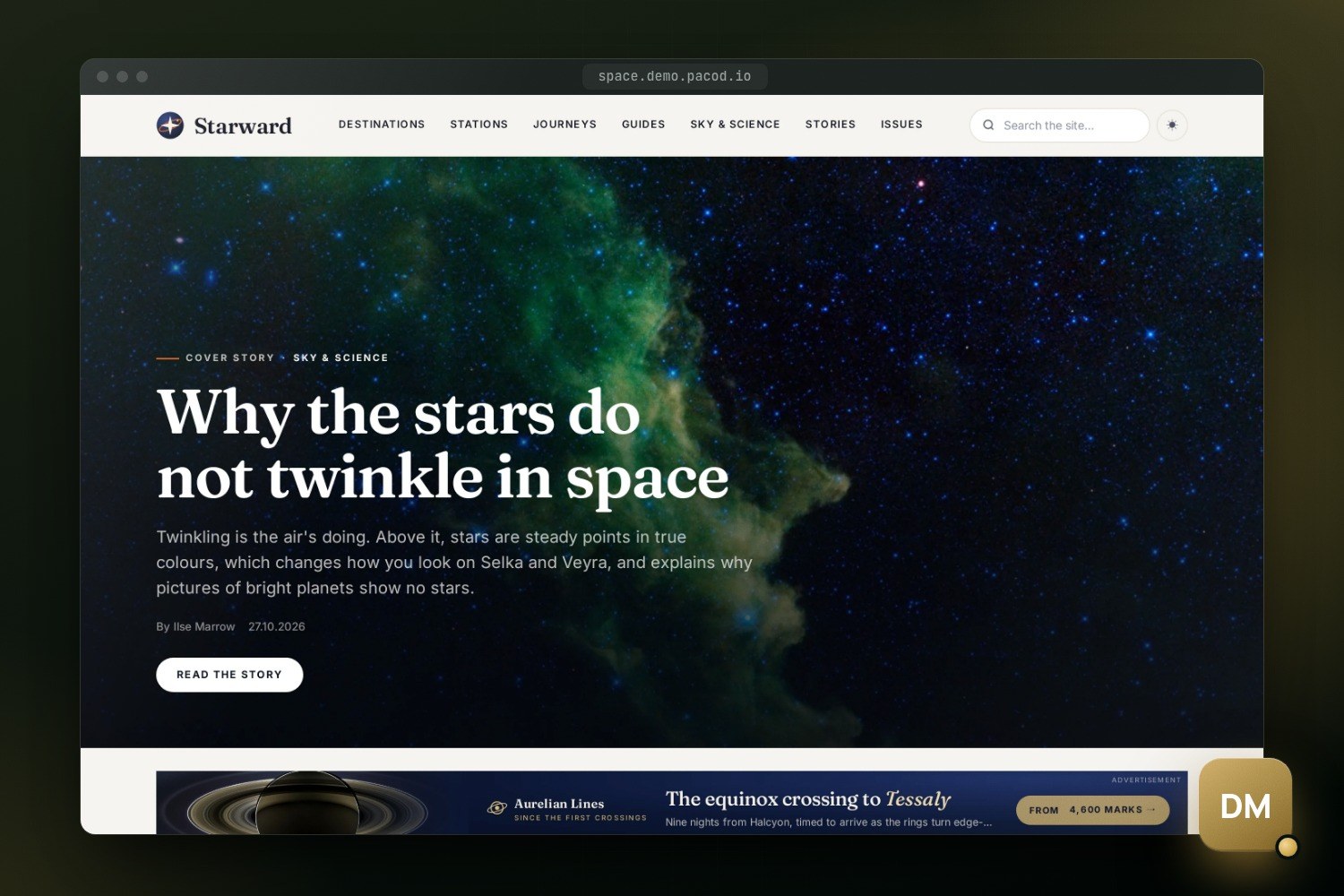
The CMS runs three demo websites, one per template set. Starward, on the magazine set, is the showcase: an invented space-travel magazine with 24 long-form articles illustrated with NASA photographs, its own journal issues, and five invented advertisers with animated HTML5 creatives.
How it is put together
pacod-demo writes almost nothing of its own. The products already agree on one convention, written down in the demo's docs/NETWORK.md, and that is what lets their files be put together unchanged.
- Two networks, unique names. Every container joins the external Docker network
pacod-netunder a name unique across the repositories. Shared components are calledpacod-*; everything else carries its owner's prefix:gw-,ap-,cms-,kb-,bench-. The listeners only servers should reach, the gateway's management API, pacod-id's internal listener and the benchmark's API, sit on a second, internal network,pacod-admin-net, which only their callers join. - Two compose files per repository. An app file with the product's own services, and a standalone file with its own copies of the shared components, for running it alone. The demo includes only the app files, unchanged, each with a small overlay that removes published ports, sets the demo's secrets and public addresses, and points settings at the demo's files.
- One of each shared component. One Caddy, one PostgreSQL with a database and owner role per
product, one Qdrant, one embeddings service, one pacod-id, one gateway, one mail sink and one
monitoring stack. Each
extendsthe definition a repository already ships, and takes the products' contributions from theirplatform/directories: Caddy site blocks, database scripts, Prometheus jobs, rules and dashboards. - Product-owned stores stay with their product: the gateway's ClickHouse and the Valkey of its response cache, the CMS's MongoDB and Gotenberg, and the agent platform's Redis and pgbouncer.
The whole stack is one compose project of 42 services, and its compose.yml is mostly a list.
Abridged, it reads like this:
name: pacod-demo

include:
  # pacod-kb: the knowledge base's pipeline and UI.
  - path:
      - ../pacod-kb/docker-compose.yml
      - overlays/kb.yml
    env_file: [.state/env/stack.env, .state/env/kb.env]

  # pacod-benchmark: benchmarks of the gateway (API, UI), on the gateway's load agent and mock.
  - path:
      - ../pacod-benchmark/docker-compose.yml
      - overlays/bench.yml
    env_file: [.state/env/stack.env, .state/env/bench.env]

  # The shared layer: one PostgreSQL, Qdrant, mail sink, edge and monitoring stack.
  - path: platform.yml
    env_file: [.state/env/stack.env]
Starting the containers is not enough for the products to know each other. After they are healthy, a bootstrap drives the products' own scripts, pacod-ap's gateway and identity bootstrap and pacod-cms's provisioner, and makes the gateway keys and service tokens the products use to reach each other: one gateway key each for the agent platform, the CMS and the knowledge base. It also gives pacod-benchmark a platform-admin token for the gateway's management API, since the benchmark sets up and removes an organisation of its own for every run, and gives the admin every product's role.
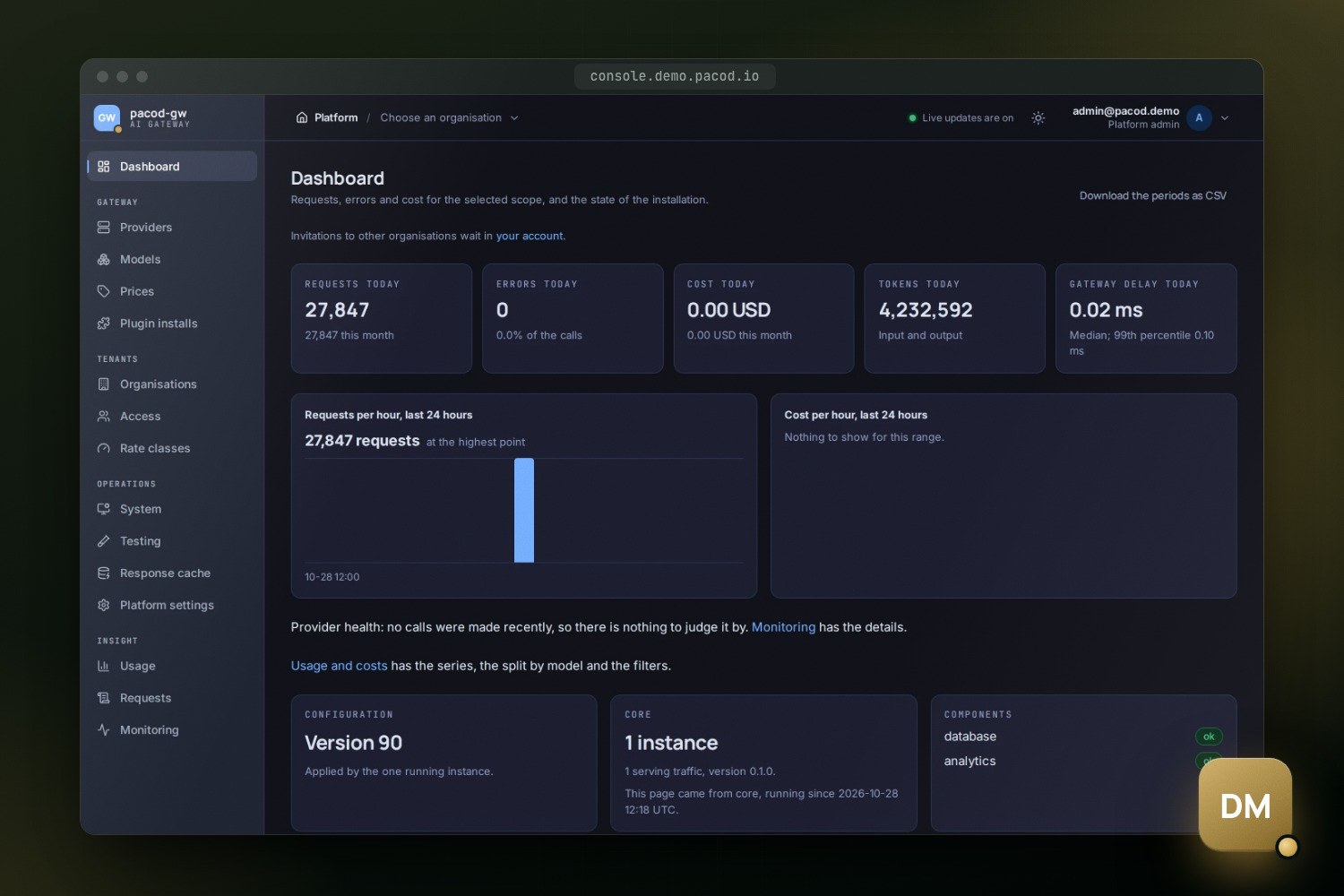
pacod-benchmark measures that same gateway, with the gateway's own load agent and mock, and publishes its reports to the gateway console. In the demo the load agent runs on the same machine as the gateway, so its figures show how the gateway behaves, not what it can carry.
Then make verify checks that the parts really are one platform. It looks for exactly one of
each shared component and only the edge publishing a port, and checks that pacod-net cannot
reach the internal listeners. It signs the admin in once at pacod-id and follows the redirects
into the app, the gateway console, the studio, the knowledge base and the benchmark, none of
which may ask again. It completes a chat with each product's gateway key and checks that a
repeated call comes from the response cache. It ingests a document into the knowledge base, finds
it and deletes it, and checks that Starward renders on its template set. On a laptop it also
streams a chat turn with the starter agent through the gateway.
The nightly reset
A public demo invites people to change things, so every day at 05:00 UTC by default, the demo undoes every change made to it: accounts, agents, articles, documents, keys and settings. Every product's data goes back to the baseline, and the products are unavailable for a few minutes meanwhile. The edge stays up, so the home page keeps answering.
The baseline is the stack's data at one moment. A fresh stack keeps what its first make up made,
once the CMS has written its demo websites, and make baseline keeps the data as it is now
instead. It holds every data volume of the stack, the CMS's files and the bootstrap's
credentials. It does not hold the models, Prometheus's metrics or the gateway's response cache,
which lives in memory and starts empty after every reset. pacod-benchmark's runs and the reports
it published go back too; a report worth keeping can be downloaded and uploaded to the console
again.
Whatever is created or changed on the demo, an account, an agent, an article, a document, is gone after the next reset.
The scheduler is a small container outside the compose project, since a reset stops the project.
It runs the same make reset you can run by hand, and skips a night when the stack is not running
or the machine was asleep.
Run it yourself
It needs Docker with Compose 2.24 or newer, make, and the six product repositories checked out next to pacod-demo:
mkdir pacod && cd pacod
for r in pacod-demo pacod-id pacod-gw pacod-ap pacod-cms pacod-kb pacod-benchmark; do
  git clone https://github.com/pacod22/$r.git
done
cd pacod-demo
cp demo.env.example demo.env
The committed template describes the public server. For a demo on your own machine, set these in
demo.env:
DEMO_DOMAIN=localhost
DEMO_TLS_CERT=
DEMO_TLS_KEY=
DEMO_HTTP_PORT=8800
DEMO_BIND=127.0.0.1
Every product then answers over plain HTTP under localhost:8800, the studio at
http://studio.localhost:8800, without any DNS. Then:
make up        # build, start, bootstrap; prints the addresses and the admin's password
make verify    # check that everything works together
make reset     # back to the baseline, now
make down      # stop; the data is kept
Docker wants about 8 GB of memory and about 30 GiB of disk. The first make up builds every
image from source, three Rust workspaces, a Maven build, several Python images and three SvelteKit
apps, and takes 30 to 60 minutes; later starts take about two minutes.
The admin's password and any provider keys go in demo.local.env, which git ignores and which
wins over demo.env. Add a key and run make bootstrap, and the gateway is set up with the real
provider. Published beyond the machine, the demo closes what is only safe on a laptop: the mail
viewer, Prometheus and Grafana ask for the admin's email and password, the home page stops naming
the admin, and the agent platform's development tokens are off.
The product page has the configuration, the security model and the limits in more detail, and the code is at github.com/pacod22/pacod-demo.